


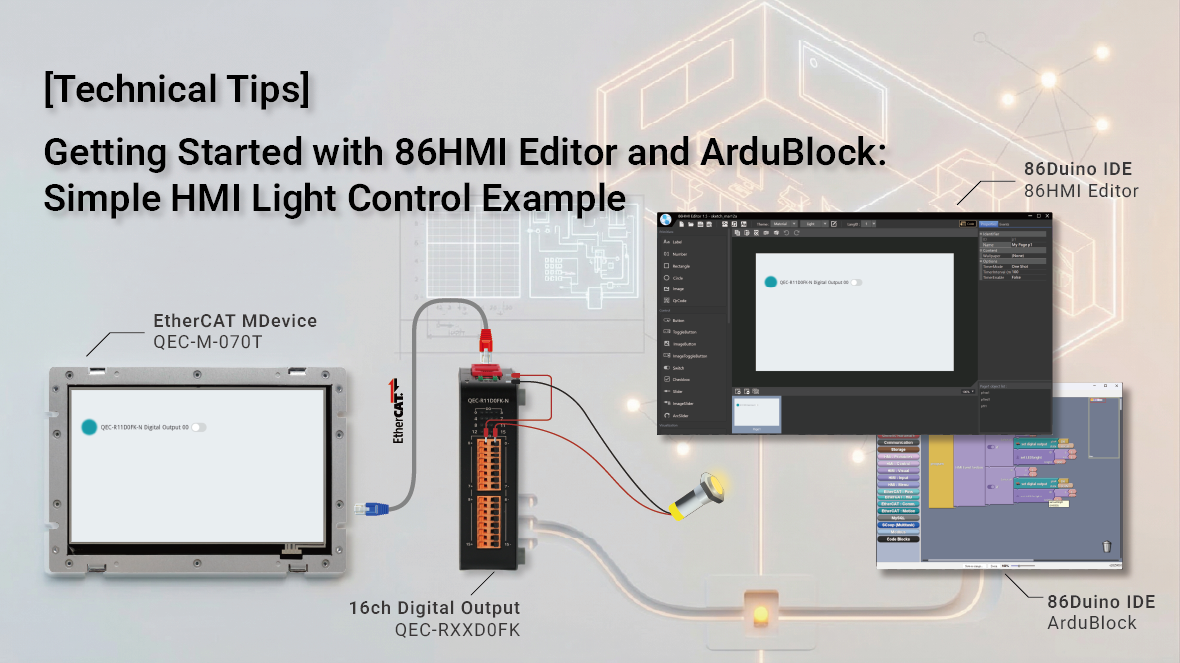
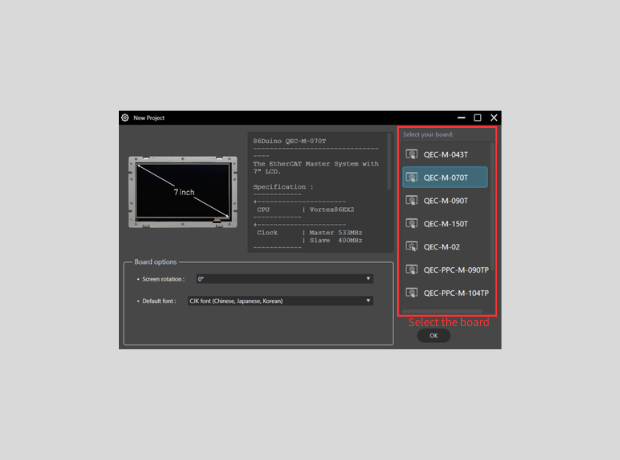
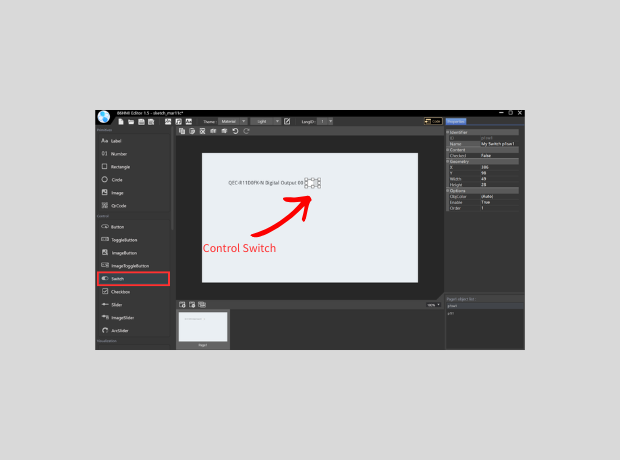
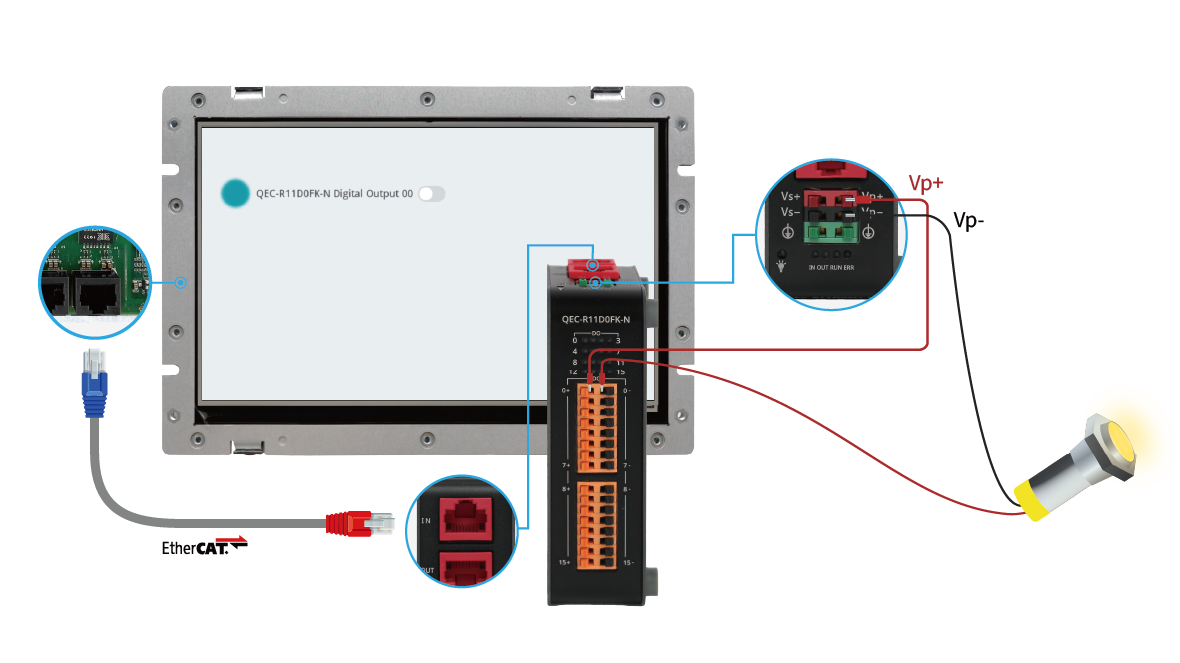
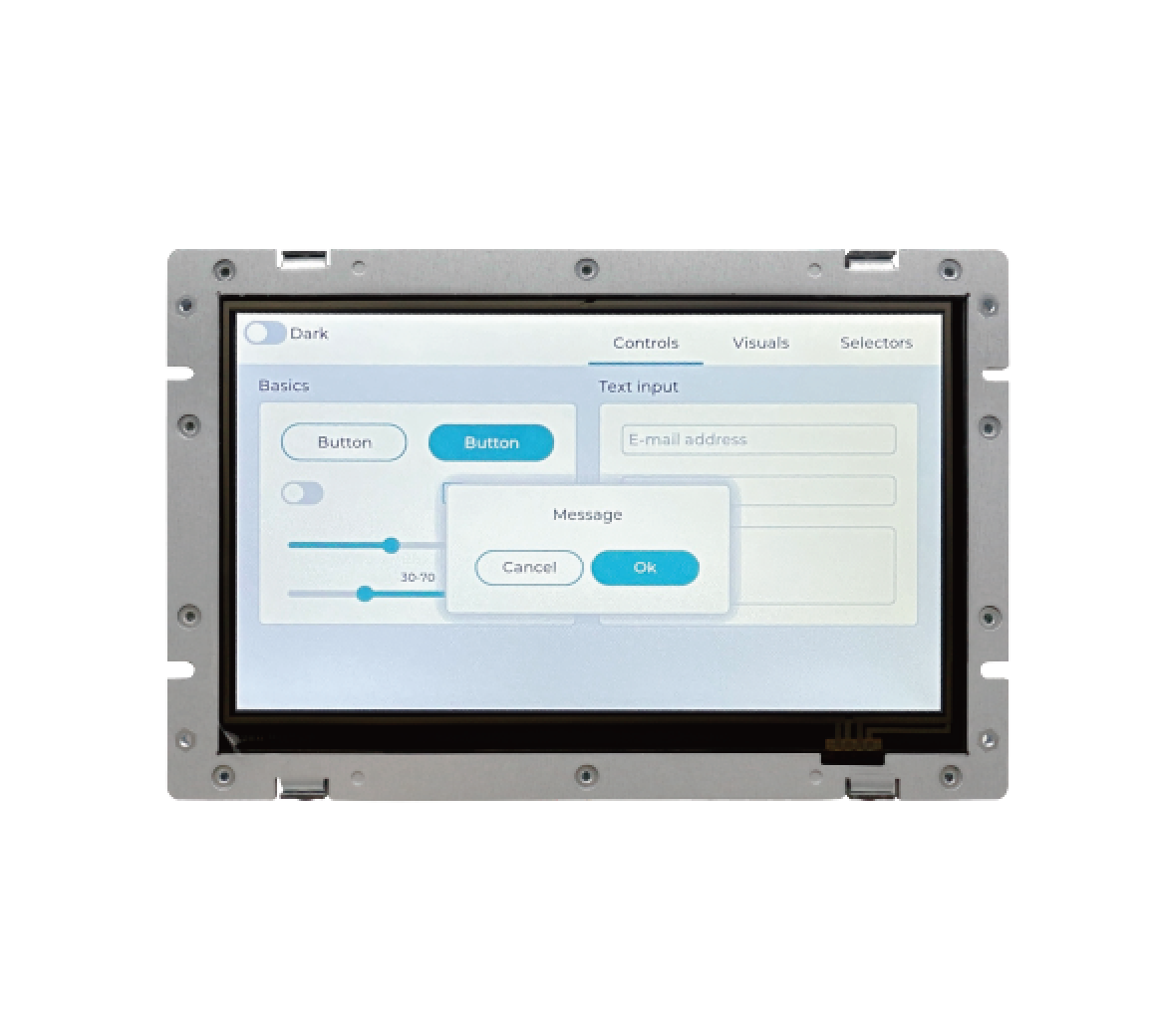
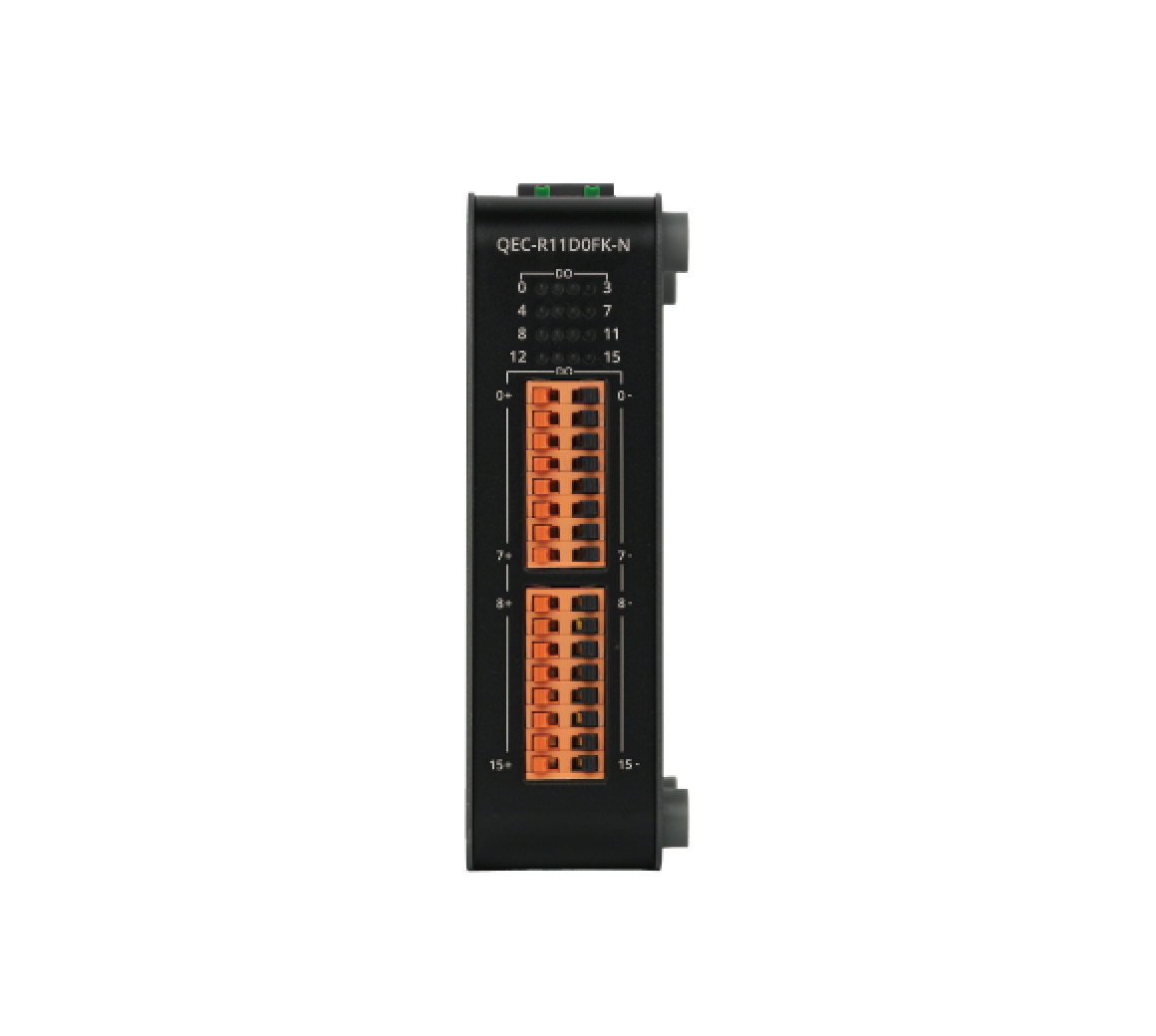
ICOP QEC EtherCAT Solutions provides an integrated development environment that allows engineers to quickly build automation applications combining EtherCAT communication, HMI interaction, and control logic. In this example, we demonstrate a simple EtherCAT digital output control scenario using the QEC-M-070T EtherCAT MDevice HMI controller together with the QEC-R11D0FK-N I/O module. When the user presses the control button on the HMI interface, the system sends a command through EtherCAT to the I/O module to switch the digital output, allowing an external indicator light to turn ON or OFF.
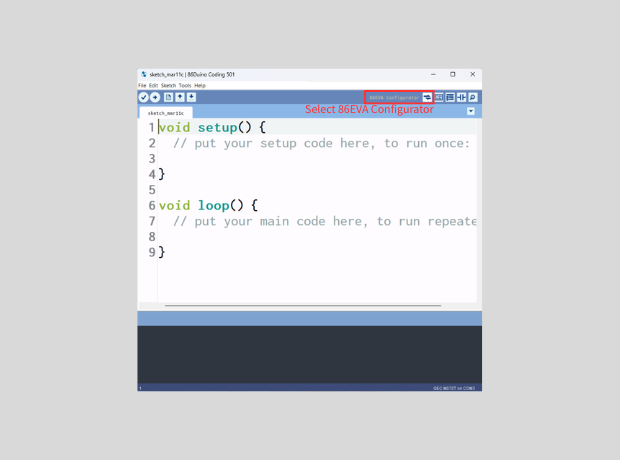
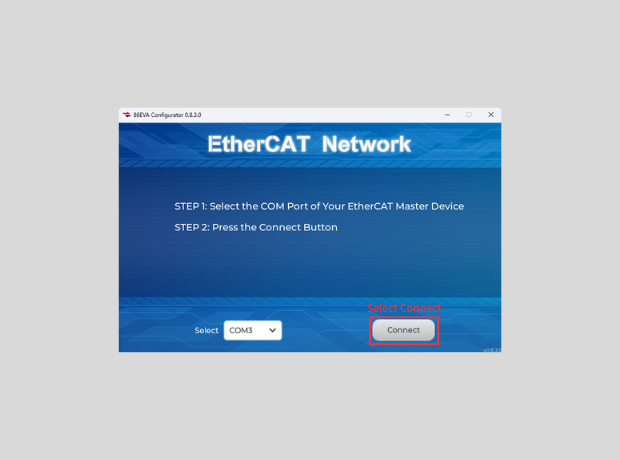
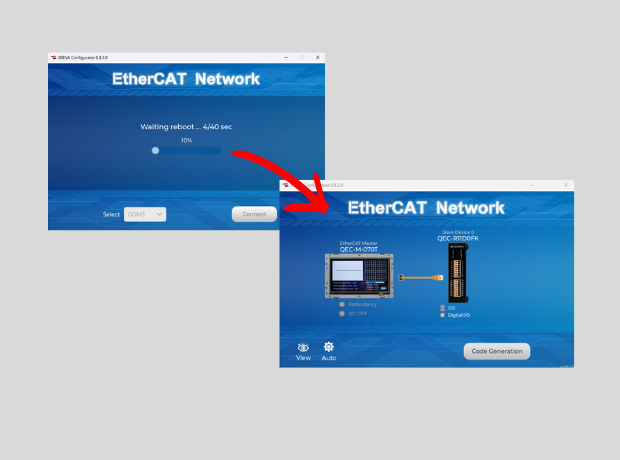
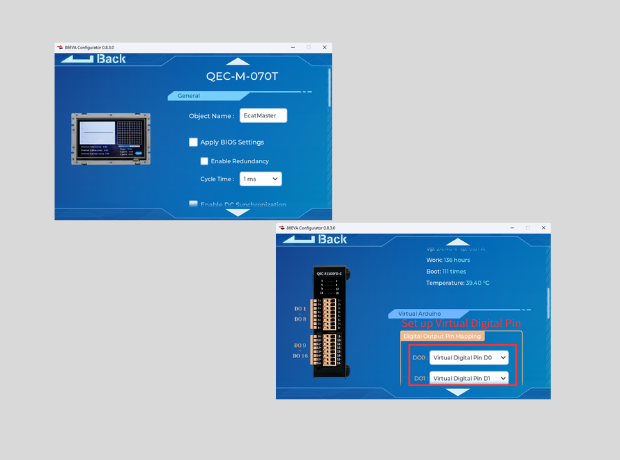
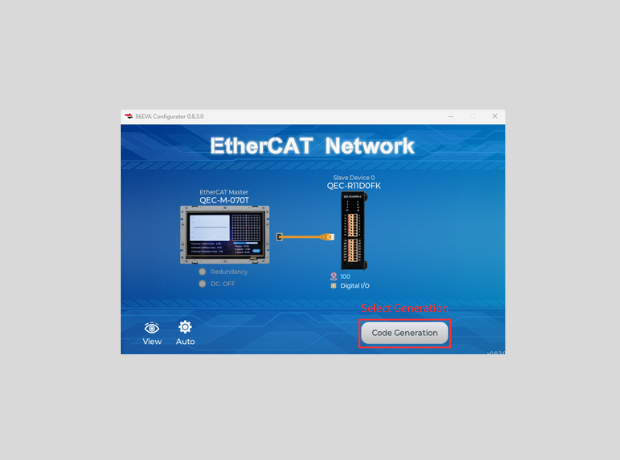
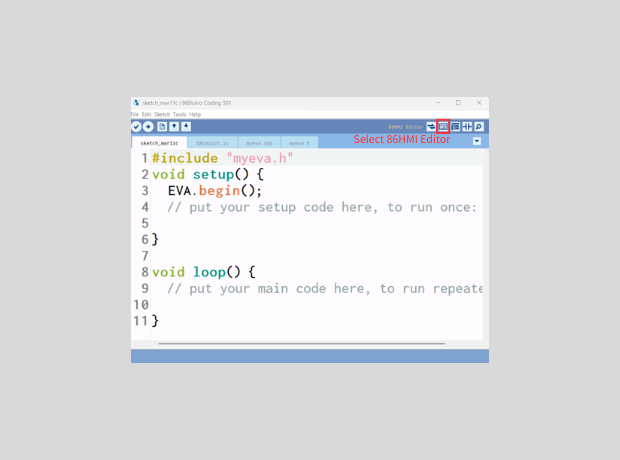
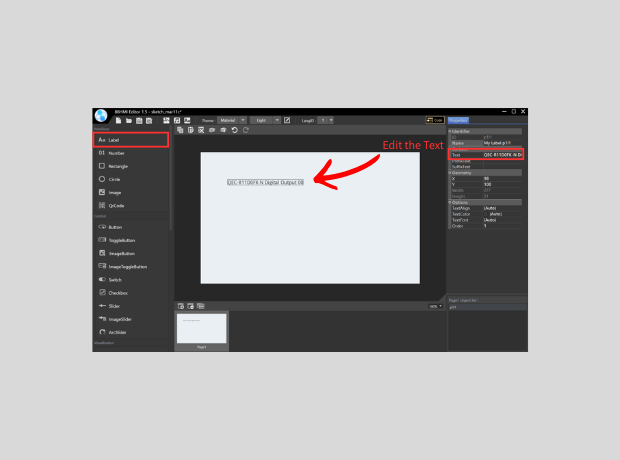
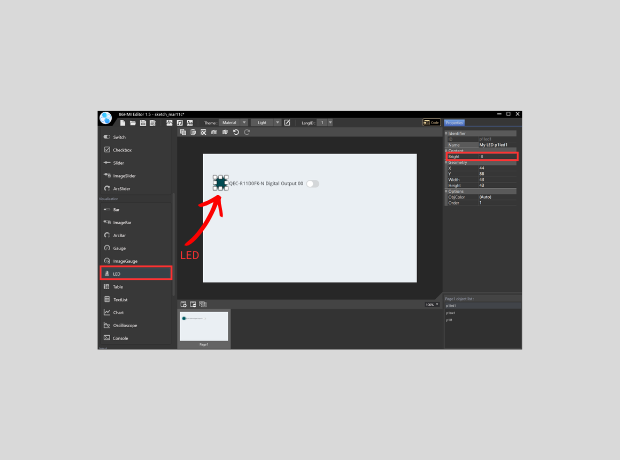
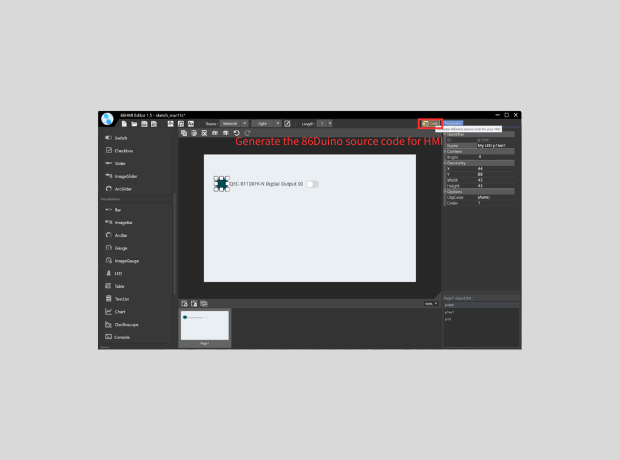
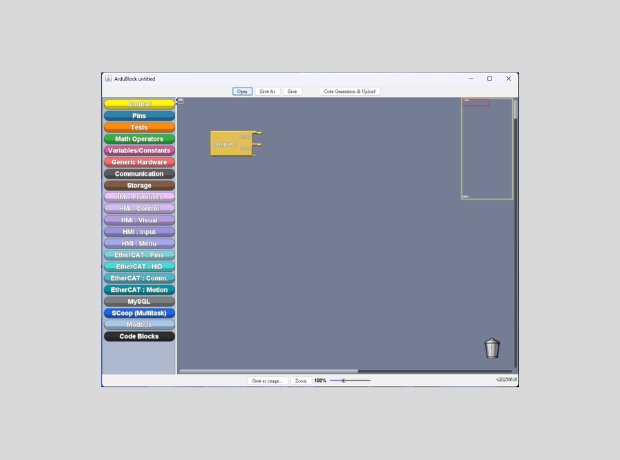
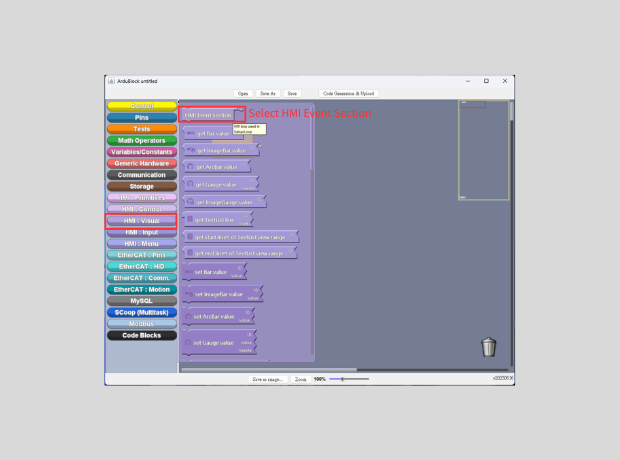
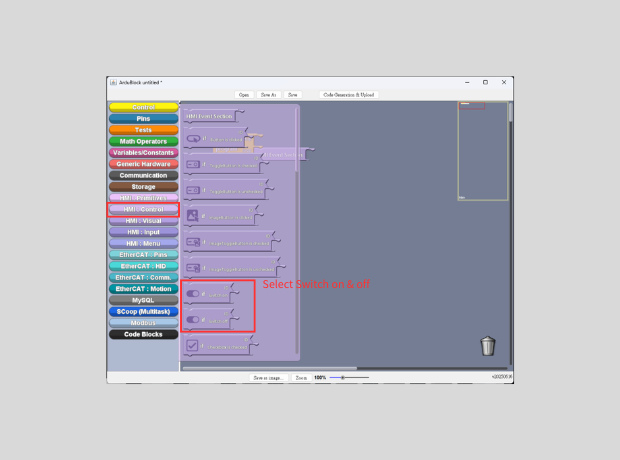
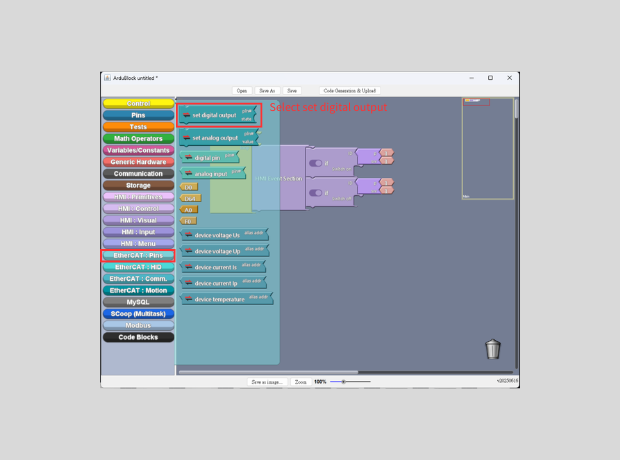
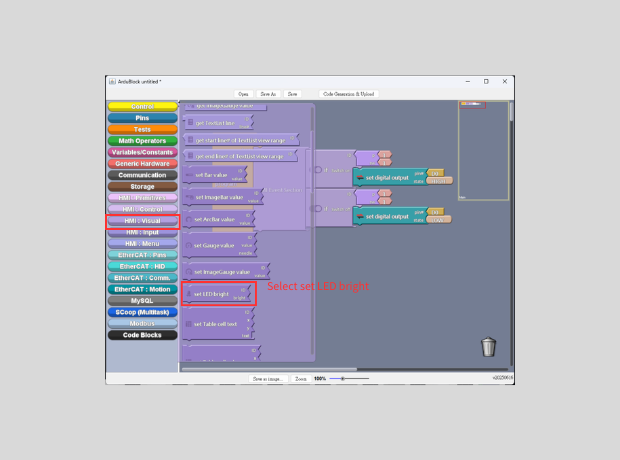
The development workflow combines several ICOP development tools. The EtherCAT network and devices are first scanned using 86EVA, the HMI interface is designed using 86HMI Editor, and the control logic is implemented using ArduBlock. By combining these tools, engineers can rapidly create a complete EtherCAT control application with minimal coding effort.
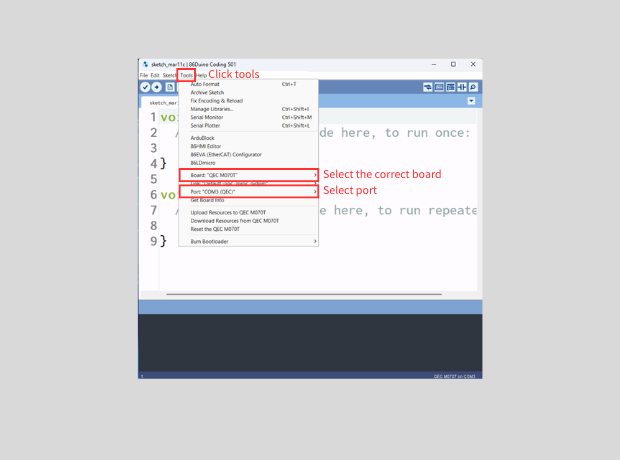
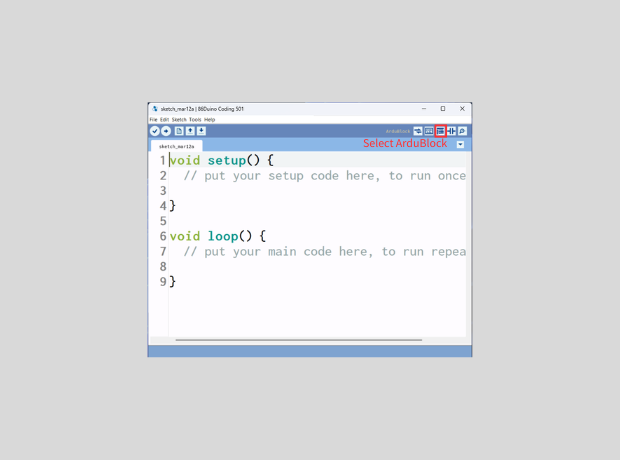
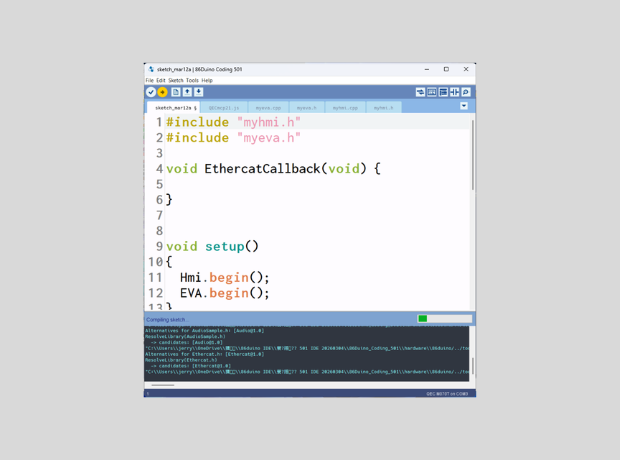
To compile and upload the control program to the QEC controller, the 86Duino IDE is required. The 86Duino IDE provides an Arduino-compatible development environment used to upload programs generated from ArduBlock or written using standard C/C++.
Readers can download the latest version of the 86Duino IDE from the QEC website: 86Duino Coding IDE
For users who are new to the platform, a step-by-step guide is also available to help you set up the development environment and get started with your first project: Getting started with the 86Duino
In this demonstration, the system is built using an EtherCAT HMI controller and the digital I/O module. The HMI panel provides the user interface, while the digital I/O module is responsible for handling the digital input and output signals.
The following hardware components are used in this example:
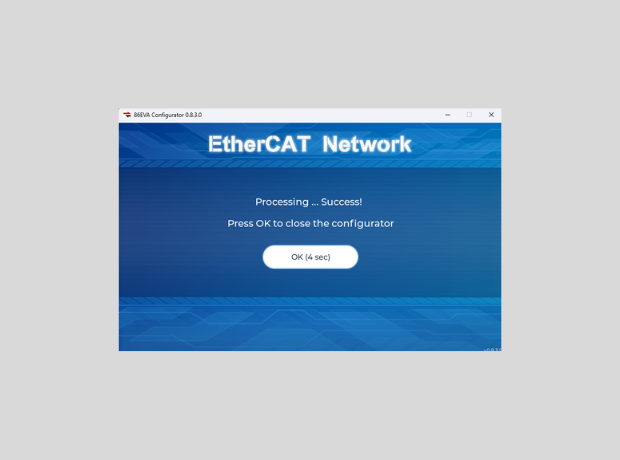
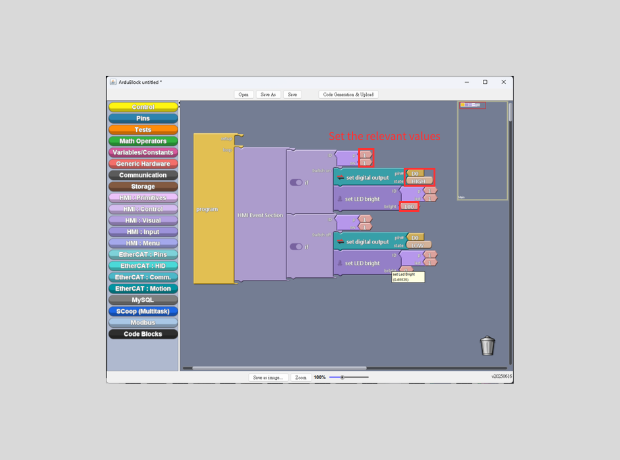
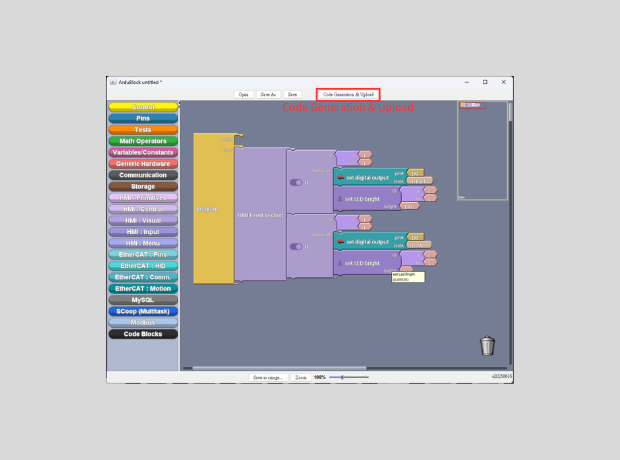
The implementation process can be divided into three main steps. First, the EtherCAT devices are scanned and configured using EVA. Next, the HMI interface is designed using 86HMI Editor. Finally, the control logic is created using ArduBlock to complete the light control function.
For more information or to request a sample, please email us at info@icop.com.tw, contact your nearest ICOP Branches, or get in touch with our Worldwide Official Distributor.