


Lubuntu is a lightweight Linux distribution based on Ubuntu, featuring the LXQt desktop environment. It offers a resource-efficient solution for embedded and industrial computing applications.
This guide explains how to install Lubuntu 22.04.5 LTS on the ICOP EB-58 Series Mini PC.
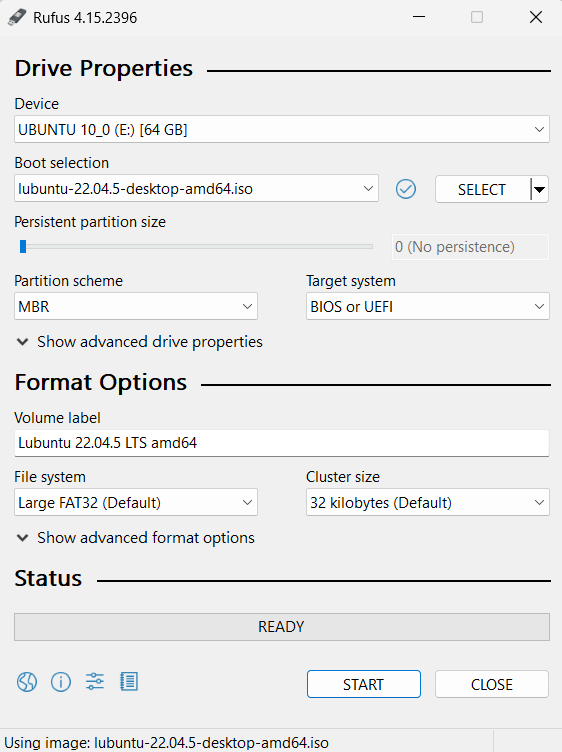
Enter the BIOS setup and select the appropriate boot mode: Legacy or UEFI. Set USB installer as 1st. boot and save the settings and restart the system.
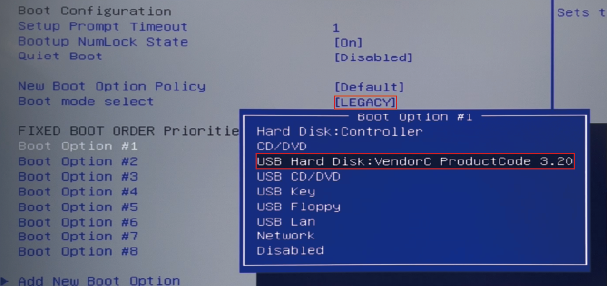
Double-click "Install Lubuntu 22.04.5 LTS" on the desktop to begin the installation.
Follow the on-screen instructions to configure your location and keyboard layout.
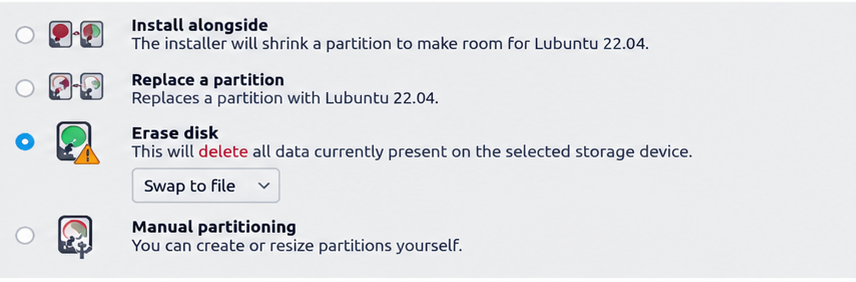
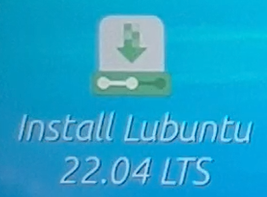
Select Erase disk and click next.
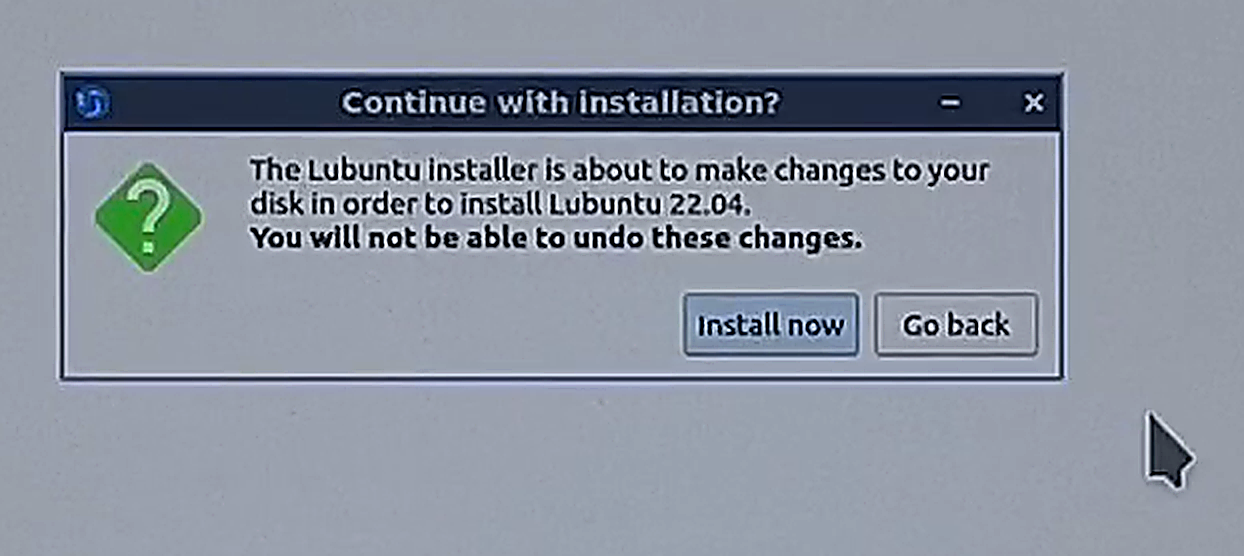
Click "Install Now" to begin the installation.
Click "Restart Now" to reboot the system. And remove the USB installation drive when prompted and enter the BIOS setup and set the installed storage device as the first boot option.
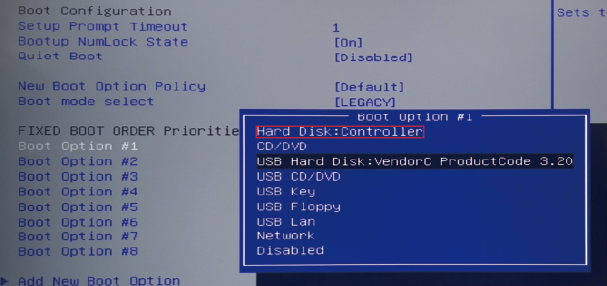
The ICOP EB-58 Series Mini PC is ready to use with Lubuntu 22.04.4 LTS once installation is complete. 
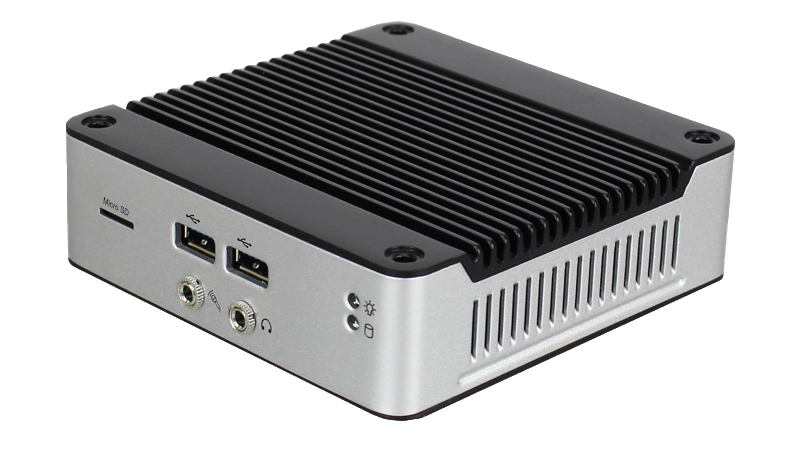
ICOP Technology Inc. continues to deliver robust and innovative EtherCAT automation platforms for smarter, faster, and more efficient control systems. For more info and sample request, please write to info@icop.com.tw, call your nearest ICOP Branch, or contact our Worldwide Official Distributor.