cancel

How to Install Yocto (Scarthgap) on EBOX-IMX8M Mini PC

2026-07-30

This guide provides a step-by-step procedure for flashing and restoring the Yocto Linux 5.0 OS image onto the onboard eMMC of the EBOX-IMX8MM using a Windows 10 Host PC. By following these instructions, you can quickly restore your system to its default operational state or recover a damaged OS installation
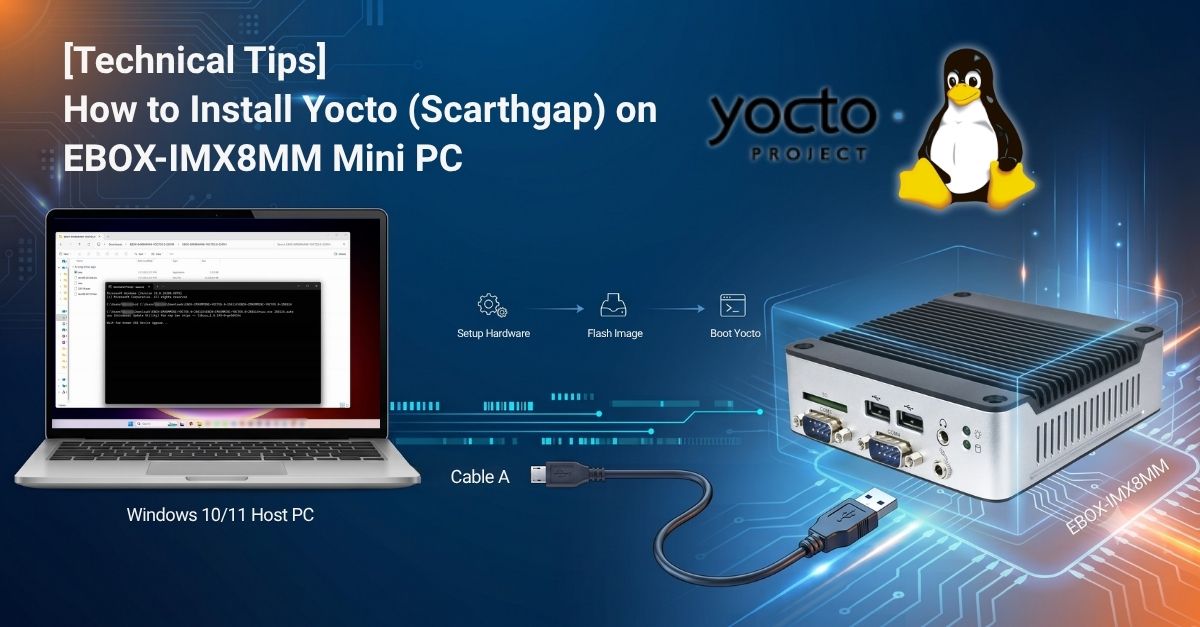
EBOX-IMX8MM

Preparation:


Restore the Yocto Linux 5.0 via Win10 host PC to the EBOX-IMX8MM

This section will introduce how to write the image to the eMMC on the EBOX-IMX8MM step by step.


▼ Write the image to EBOX-IMX8MM eMMC.
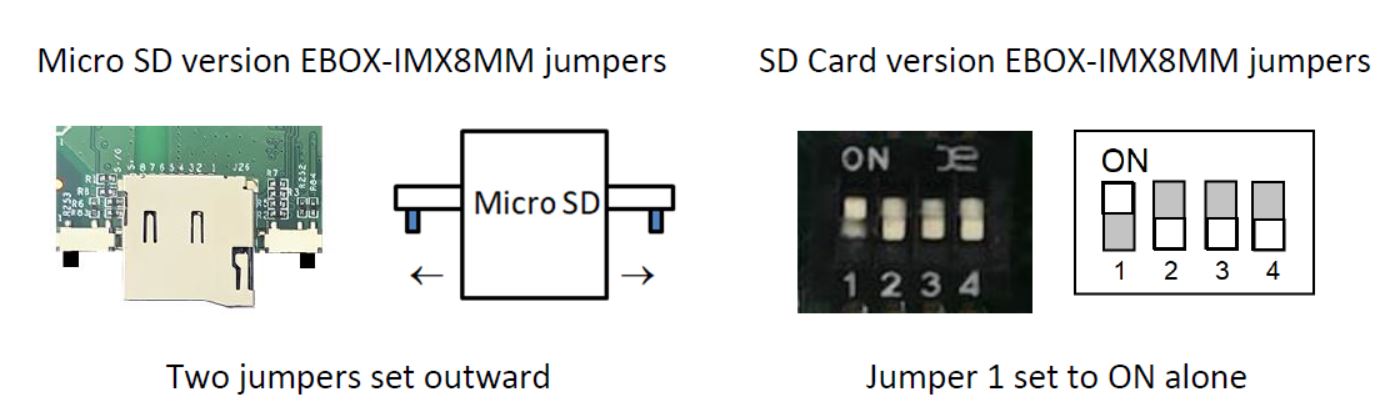
  1. Use a jumper switching tool to change the EBOX jumper setting to Serial Download Mode.
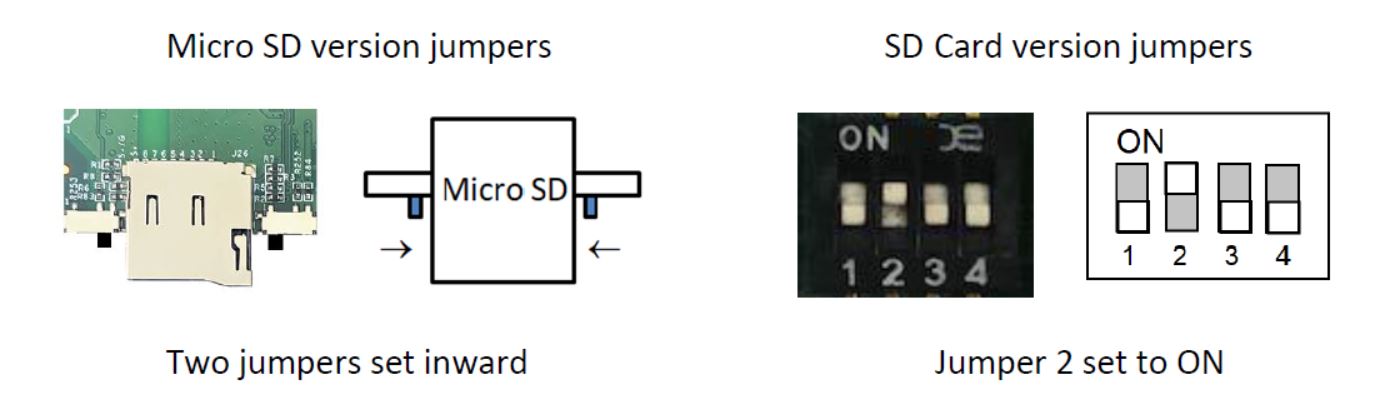
    • Find the SW1 on the EBOX-IMX8MM and change the setting to Serial Download Mode according to the photo below:
    EBOX-IMX8MM
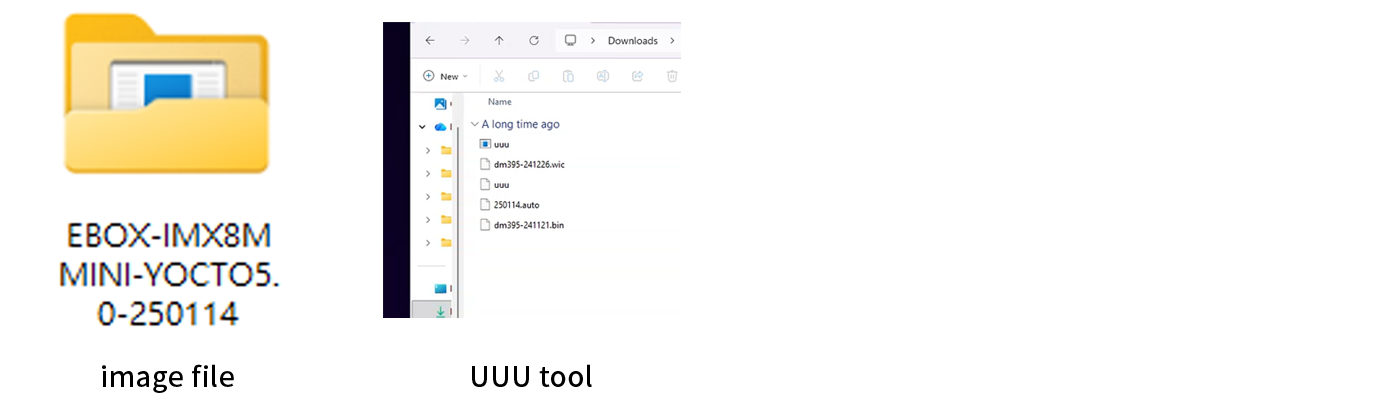
  2. Turn on your Windows PC, make sure the UUU tool is downloaded, and unzip the Yocto 5.0 OS image file.
    EBOX-IMX8MM
  3. Open Command Prompt (cmd) or Terminal as Administrator, then use the cd command to navigate to the unzipped folder directory.
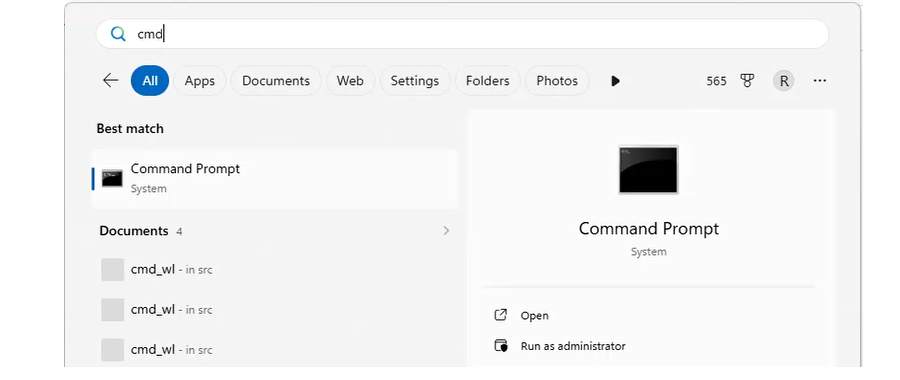
    EBOX-IMX8MM
  4. Execute the uuu.exe 250114.auto command and press Enter.
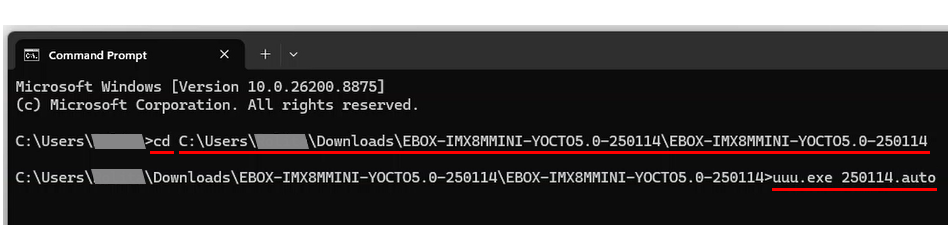
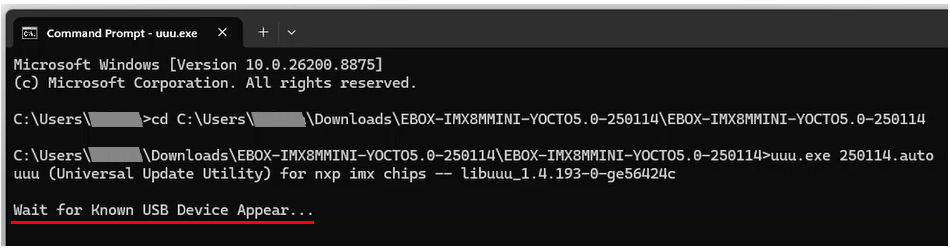
    (Note: 250114.auto is the auto script filename. Please adjust the command according to your actual .auto file name.)
    EBOX-IMX8MM
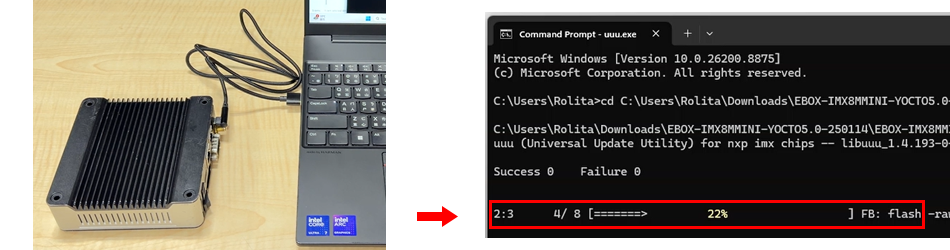
  5. Wait until "Known USB Device Appear..." is displayed, then connect the EBOX (without power attached) to your Windows PC using Cable A.
    EBOX-IMX8MM
  6. Connect Cable A between the EBOX Mini PC and the Windows PC. The Windows PC will then automatically flash/copy the Yocto 5.0 OS image file to the EBOX Mini PC.
    EBOX-IMX8MM
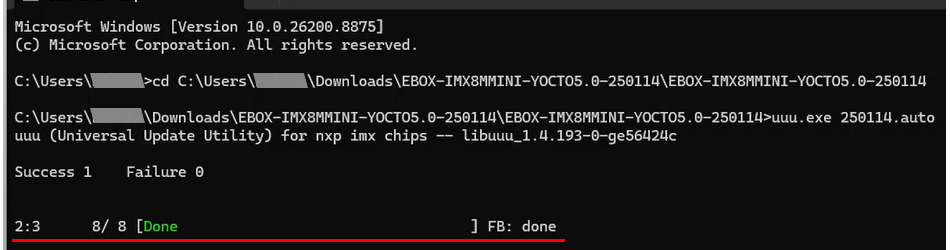
  7. Once the restoration process is completed, remove Cable A from the EBOX Mini PC.
    EBOX-IMX8MM
  8. Use the jumper switching tool to set the jumpers back to Internal Boot Mode.
    EBOX-IMX8MM
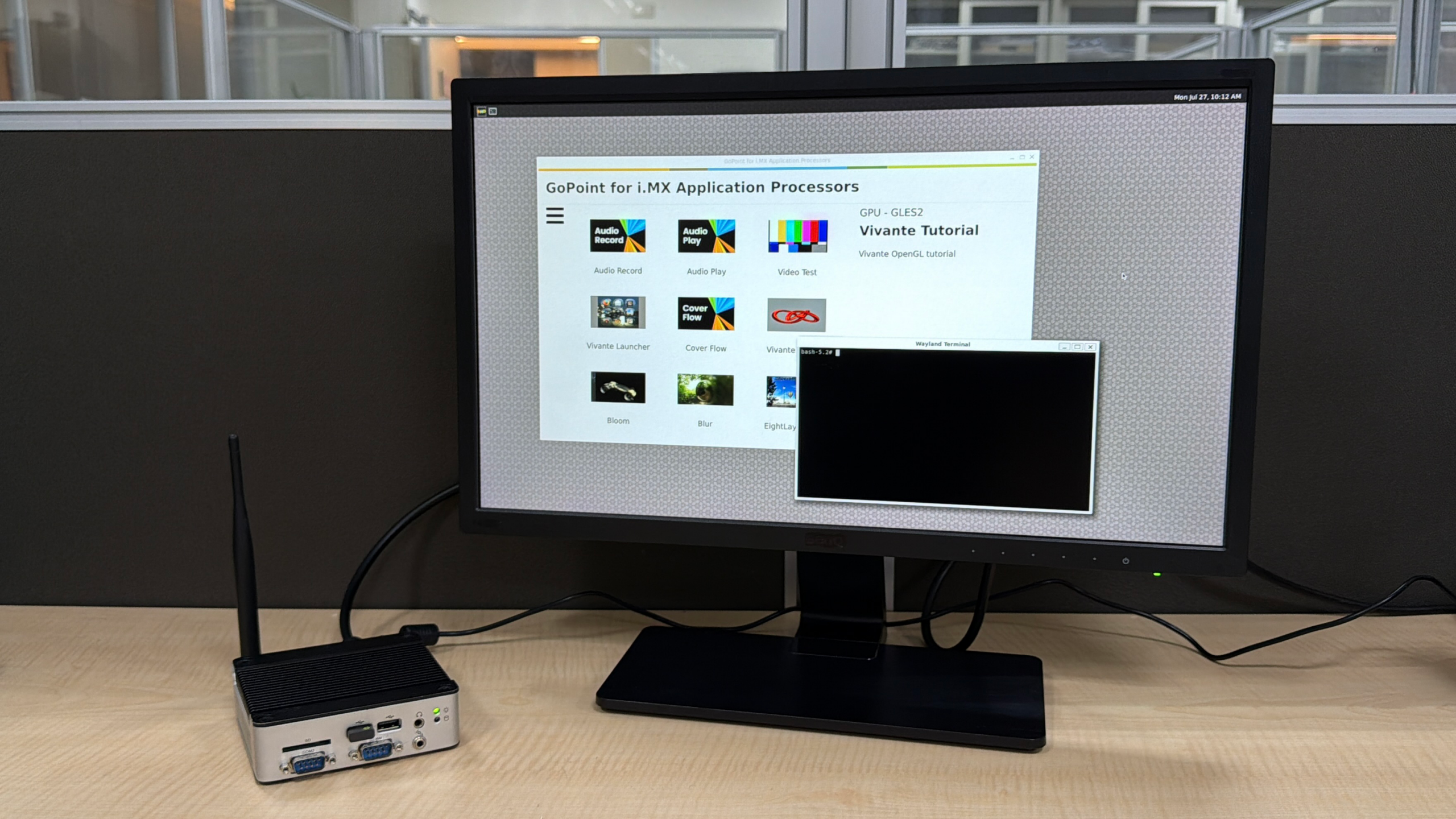
  9. Power on/Reboot the EBOX-IMX8MM to boot into the Yocto 5.0 desktop.
    EBOX-IMX8MM

Main features of EBOX-IMX8MM:

  • NXP i.MX8M Mini-1.6GHz
  • 1GB/2GB/4GB LPDDR4 onboard
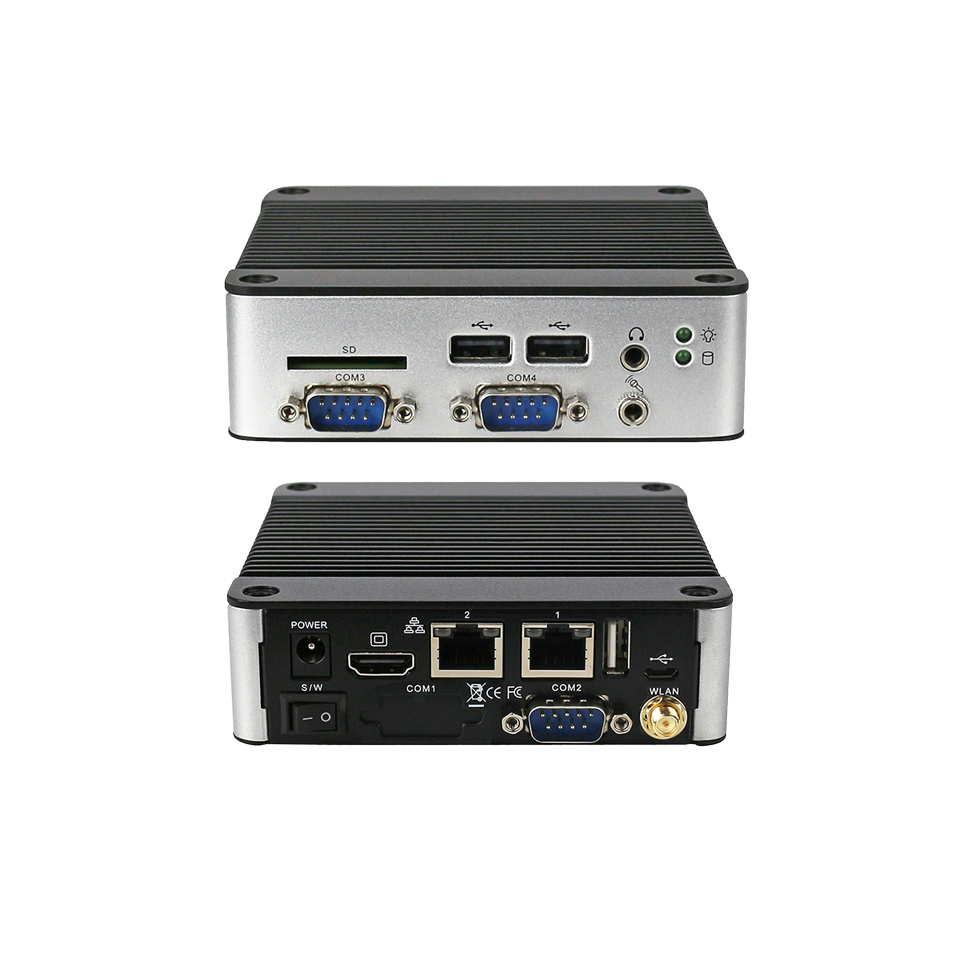
  • COM port x4, USB 2.0 x3, HDMI, LAN x2, Audio, Bluetooth & WLAN
  • eMMC: 8GB to 64GB MLC/SLC onboard
  • SD Card: SD Card Slot x1 (Internal Slot Optional)
  • peration Temperature: -0 ~ +60°C / -40 ~ +80°C (Optional)
  • VESA 100mm x 100mm/DIN Rail Support (Optional)
  • OS support: Android 10 & Yocto Ready

For more information or to request samples, please write to info@icop.com.tw, call your nearest ICOP branch office, or contact our official global distributors.

Δ