cancel

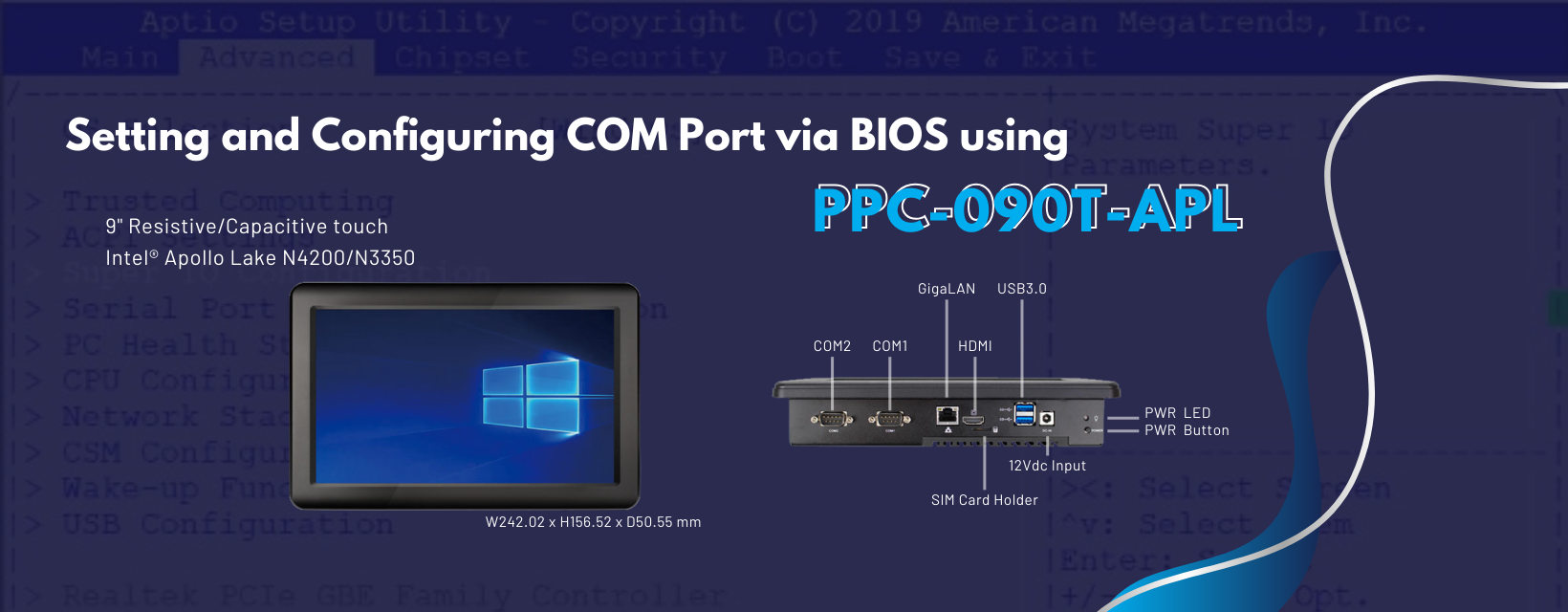
[Technical Tips] Using PPC-090T-APL to Setup COM Port 1 via BIOS

2024-09-30

This article will tell you how to set up the COM port 1 through BIOS.
COMPortConfigurationPic_img01

How to set up COM Port 1 via BIOS

  1. When the product is turned on, press Delete or Del to enter the BIOS
  2. After entering BIOS, go to the Advanced directory and select Super IO Configuration COMPortConfigurationPic_img2
  3. Select Serial Port 1 Configuration COMPortConfigurationPic_img3
  4. Go to Transmission Mode and set RS232/422/485 function COMPortConfigurationPic_img4
  5. After completing the setup, press F4 to access the settings and reboot COMPortConfigurationPic_img5

Main feature of PPC-090T-APL:

  • Intel® Apollo Lake N4200/N3350 SoC Processor
  • 4GB / 8GB SO-DIMM DDR3
  • 2S/3U/HDMI/GLAN/Audio/M.2-2242/SATA/MiniPCIe/12V
  • 9" TFT 1024x600 Resolution LCD with Resistive or Projected Capacitive touch screen
  • 9" TFT 1024x600 Resolution LCD with Resistive or Capacitive touch screen
  • HDMI as second display
  • 2.5 inch SATA HDD/SSD Support (SATA III 6.0Gb/s)
  • M.2 Slot Support (M-key, SATA interface, 2242)

For more info and sample requests, please write to info@icop.com.tw, call your nearest ICOP Branch, or contact our Worldwide Official Distributor.