


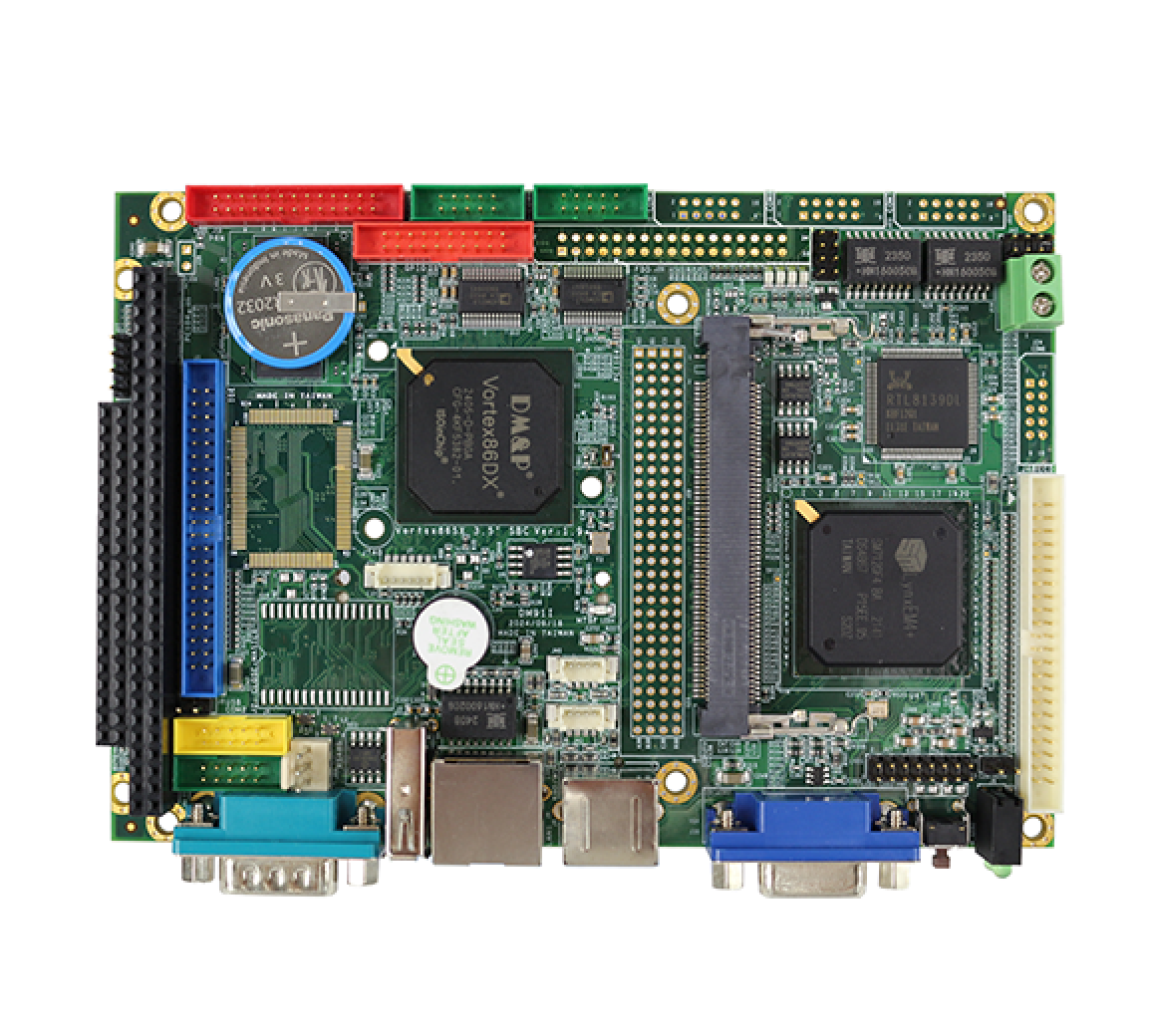
This article applies to applications using ICOP motherboards with LCD display functionality. The following instructions use the VDX series motherboard (VDX-6326RD-NF-V2) as an example. In real-world projects and customer applications, LCD display issues such as no image output, abnormal display, or a black screen may occur due to LCD BIOS flashing failures, incompatible BIOS versions, or incorrect resolution and parameter settings during system startup. If these issues are not resolved in a timely manner, they may affect system validation, production processes, and overall project progress. In such cases, re-uploading or updating the LCD BIOS is required.
However, manually entering flashing commands is time-consuming and prone to errors, such as incorrect file paths or parameters, which may result in repeated flashing failures. To improve reliability and efficiency, this article recommends using a Batch File to simply the manual process, reduce errors, and ensure stable results.
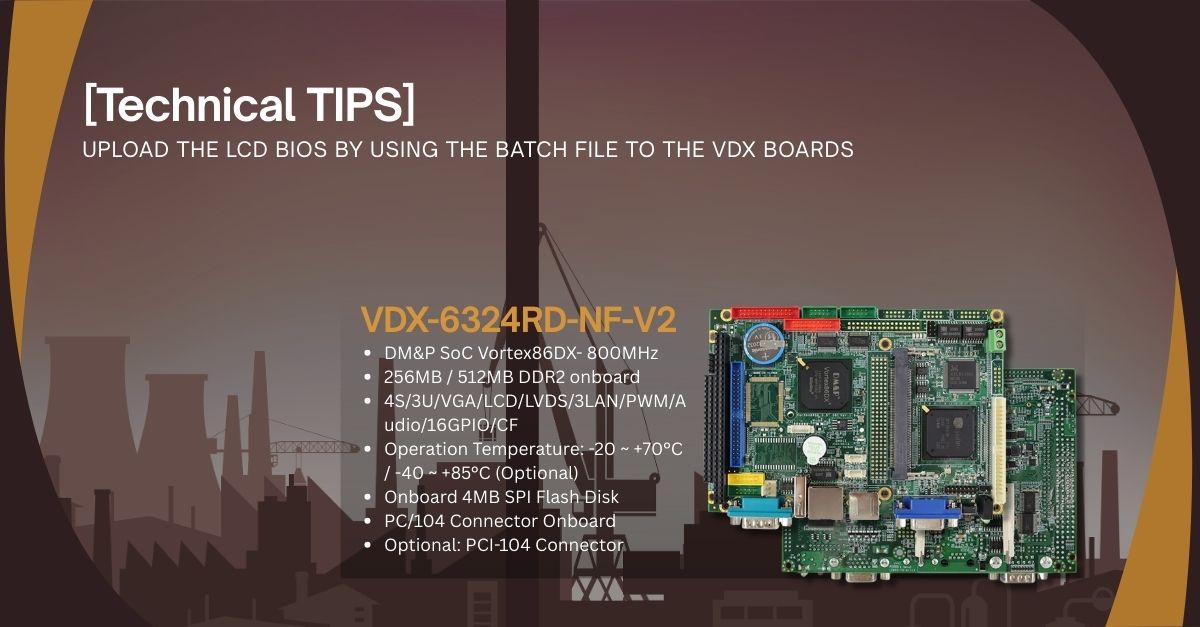
This section will use the VDX Board to provide step-by-step instructions for hardware configuration and LCD BIOS update procedures when using a 640×480 resolution LCD.
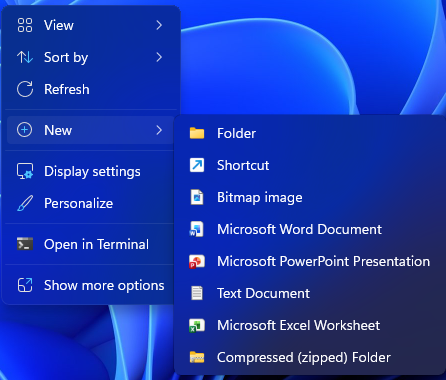

a as the text file name
SPIFLASH u 26NFB664.rom nomd5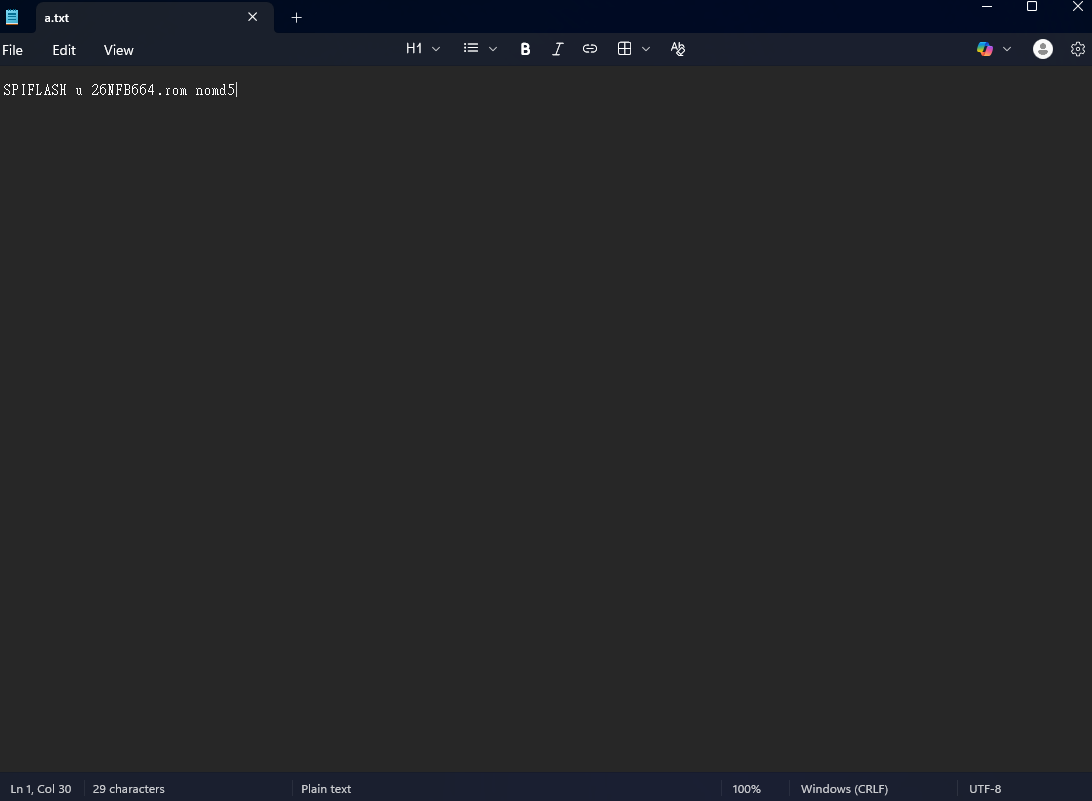
a.bat and click Yes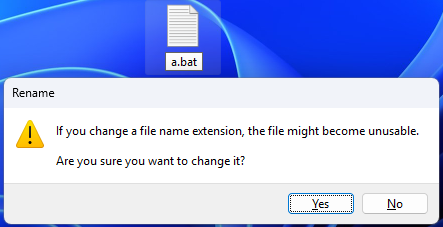

| Meaning of Each Field | Description | ||
| SPIFLASH | The specified device type for burning is SPI Flash (the BIOS chip on the motherboard). | ||
| u | Representing Update or Write mode. | ||
| 26NFB664.rom | The BIOS image file to be burned in. | ||
| nomd5 | Indicates skipping MD5 checksum verification. | ||
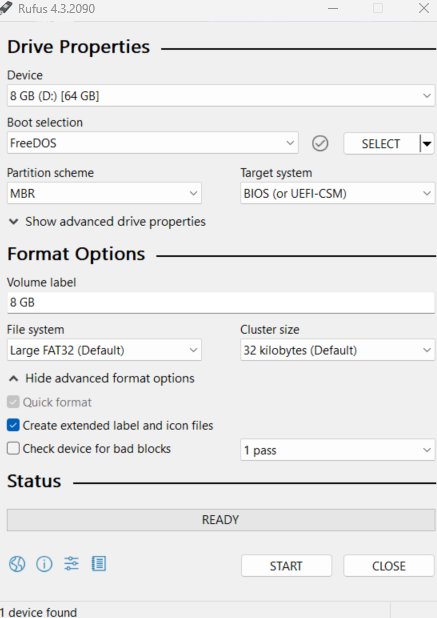
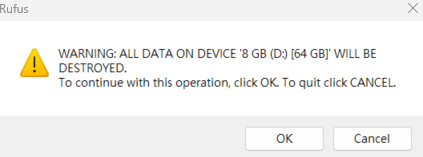
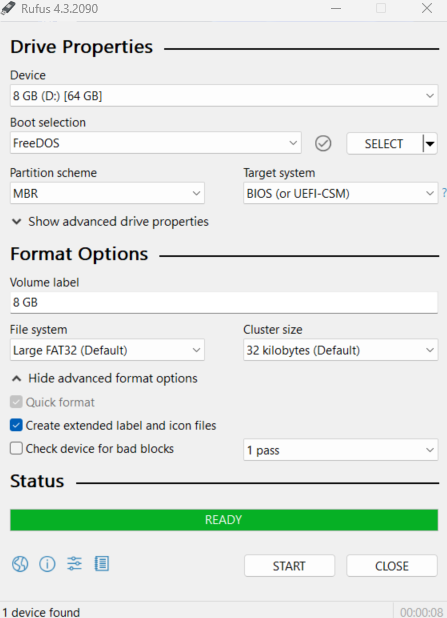
spiflash.exe, a.bat file, and 26NFB664.rom into the USB Boot Drive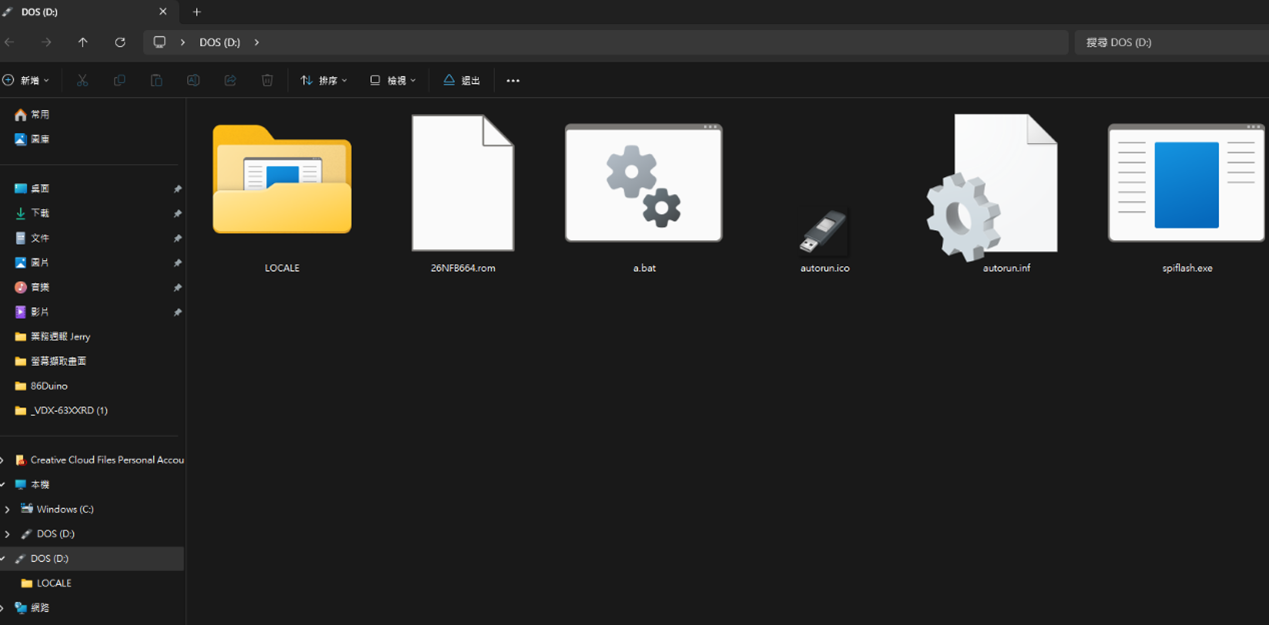
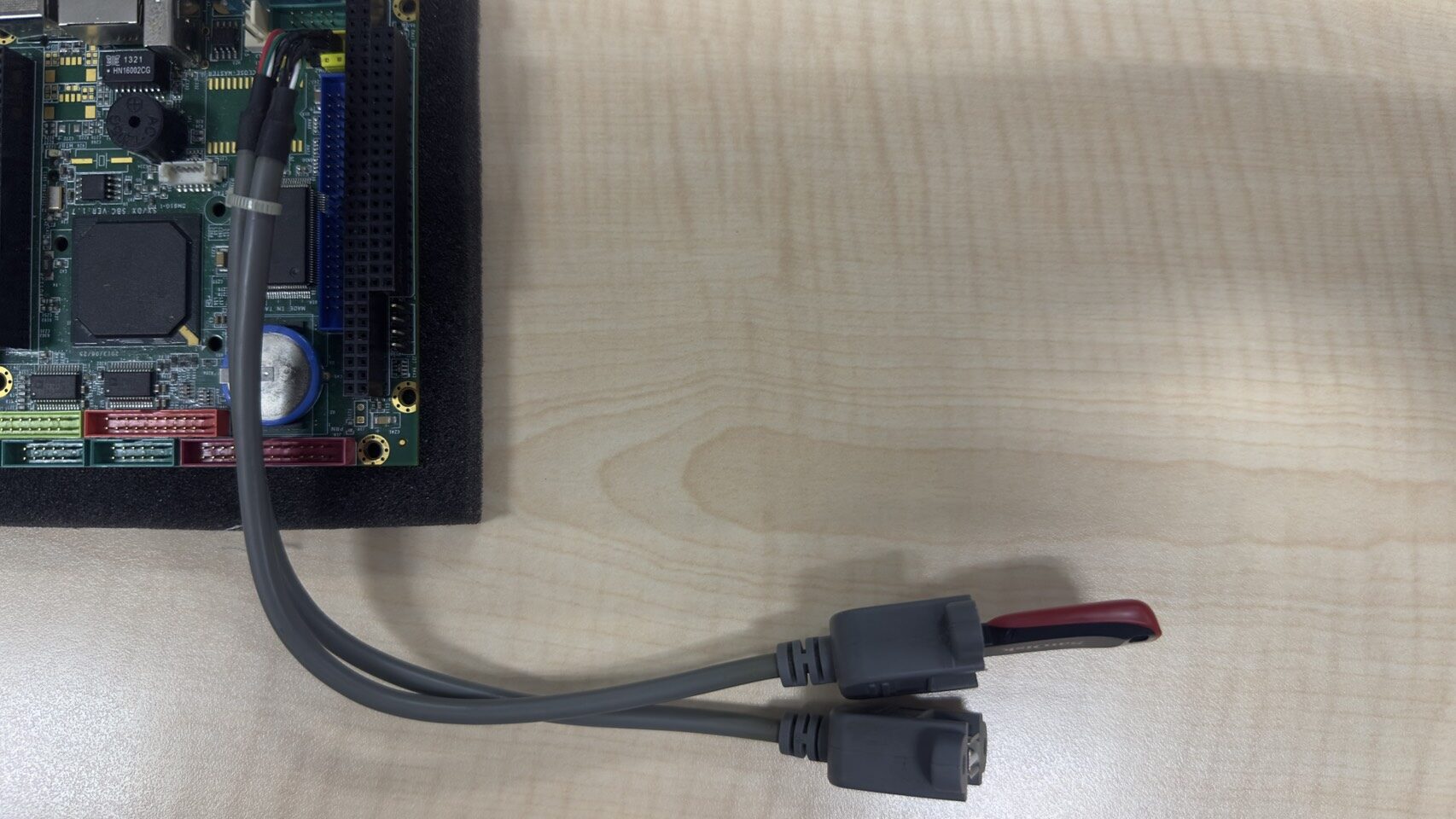
a key on the keyboard, then press Enter to execute the batch file update commandTo further streamline the BIOS update process, you can create a batch file named autoexec.bat and place the BIOS flashing command inside it. When the system boots into DOS or from a USB drive, this file will be executed automatically, allowing the BIOS to be programmed without any manual command input.
This approach is especially useful for production lines, validation labs, or large-scale deployments, as it reduces human error and ensures a fast and consistent flashing process.

For more information or to request a sample, please email us at info@icop.com.tw, contact your nearest ICOP Branches, or get in touch with our Worldwide Official Distributor.