


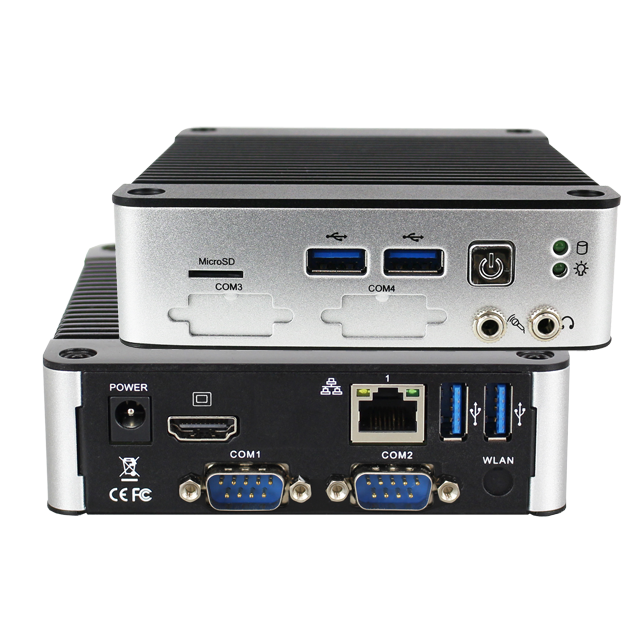
This guide walks through the process of installing CentOS Stream 9 on the EB-58 Series Mini PC, covering system prerequisites, known platform limitations, and the complete installation procedure. It also highlights important considerations such as BIOS/UEFI configuration requirements, storage capacity constraints, CPU feature support, and hardware compatibility notes, helping ensure a smooth and predictable installation experience.
CentOS Stream 9 is positioned between Fedora and Red Hat Enterprise Linux (RHEL) within Red Hat’s ecosystem. It is a continuously delivered distribution that closely tracks the next minor release of RHEL, providing early visibility into upcoming changes while maintaining alignment with enterprise Linux standards.
Strong binary and functional compatibility with RHEL, making it suitable for software development, system validation, and integration workflows targeting enterprise deployments.
Adheres to RHEL’s ABI/API stability guarantees throughout its lifecycle, offering a predictable platform for development and long-running services, while recognizing a shorter support horizon compared to RHEL.
CentOS Stream 9 is officially positioned as a development, testing, and pre-production platform within the RHEL ecosystem. Core libraries, drivers, and packages are tested and aligned with enterprise requirements, allowing developers and system integrators to evaluate upcoming RHEL behavior earlier in the release cycle.
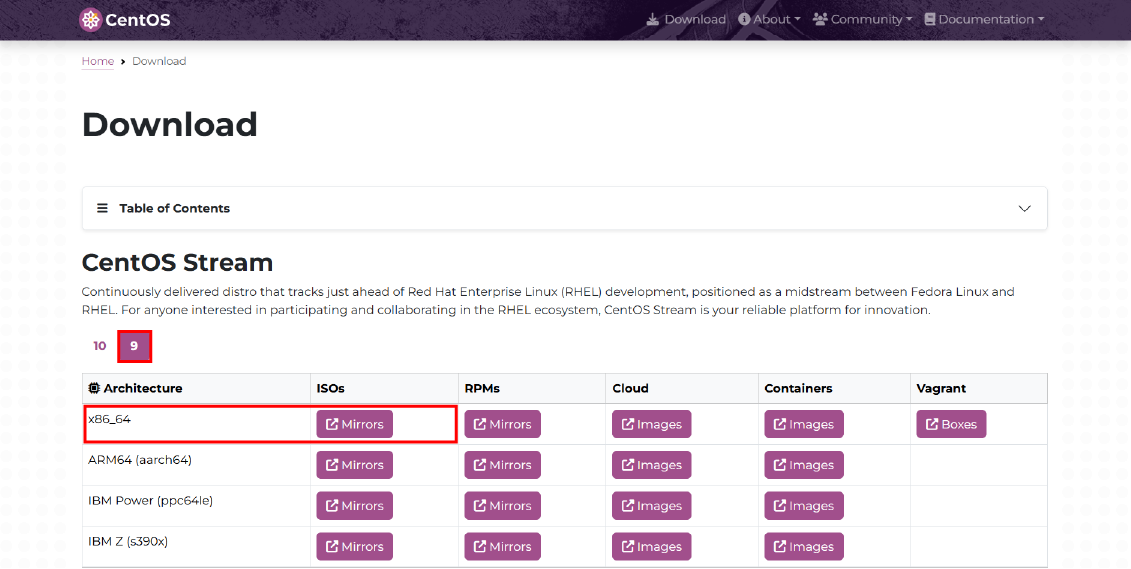
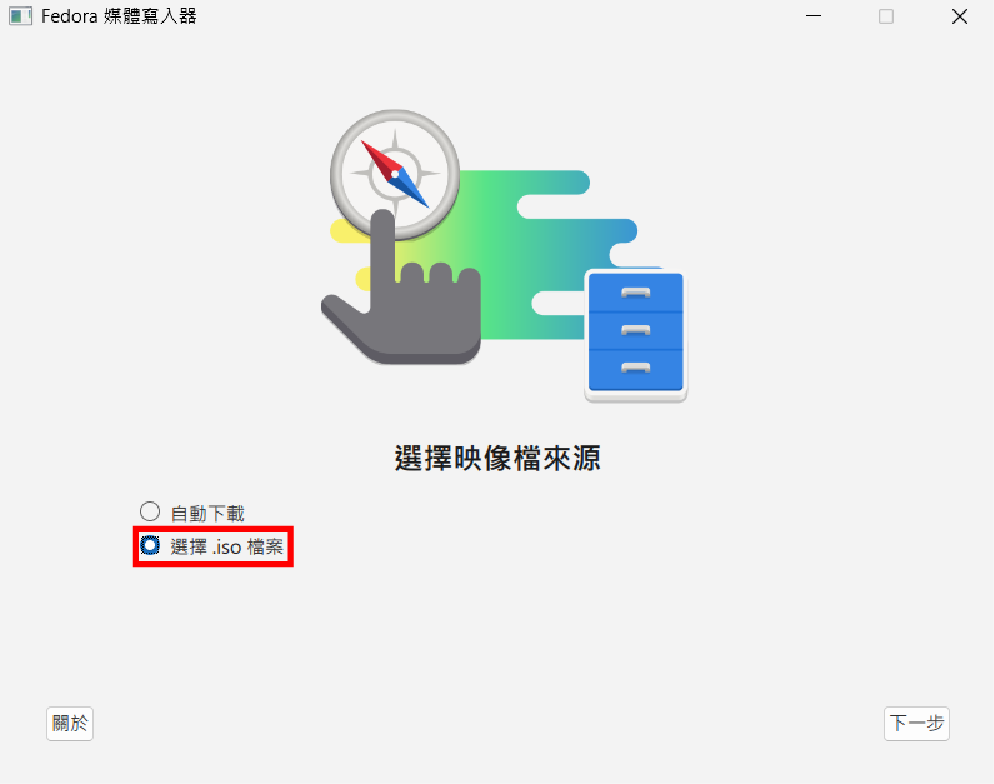
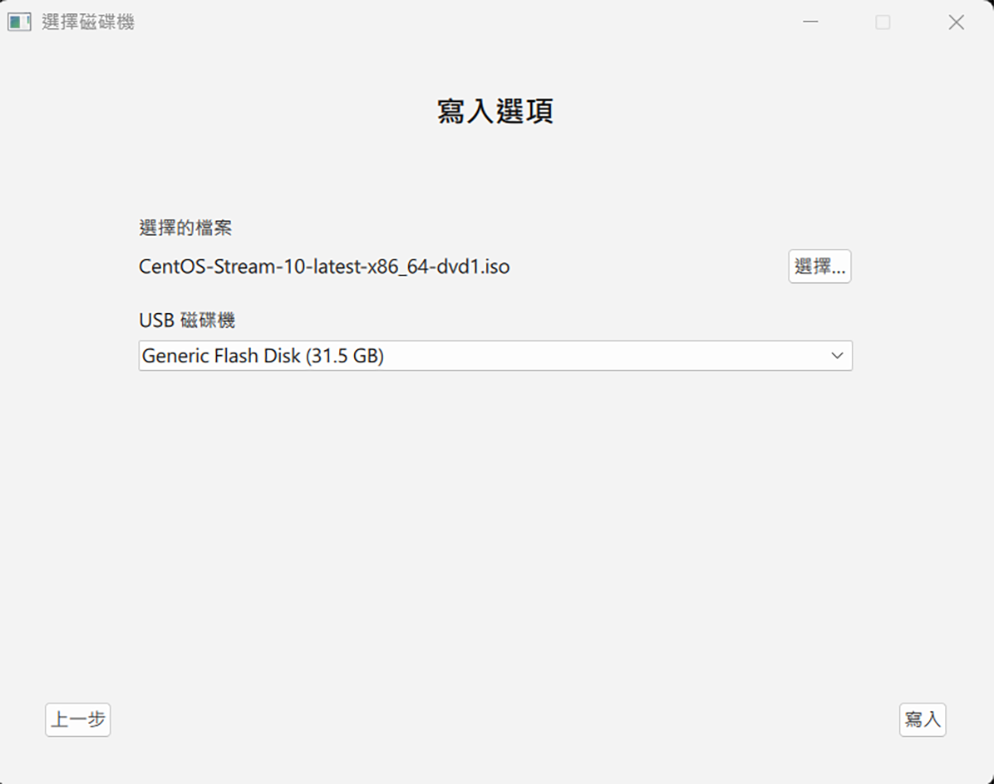
Power on the EB-58N and press Del, Esc, or F2 to enter BIOS.
Check and adjust these settings:
Choose Legacy or UEFI depending on model support.
Enable “USB Boot” or “USB Storage Boot” and enter the boot menu (usually F7, Esc, or F11, depending on BIOS), select the USB drive to boot
Ensure SATA controller is enabled if installing to SSD
Save and exit the BIOS.
1. Language & Keyboard
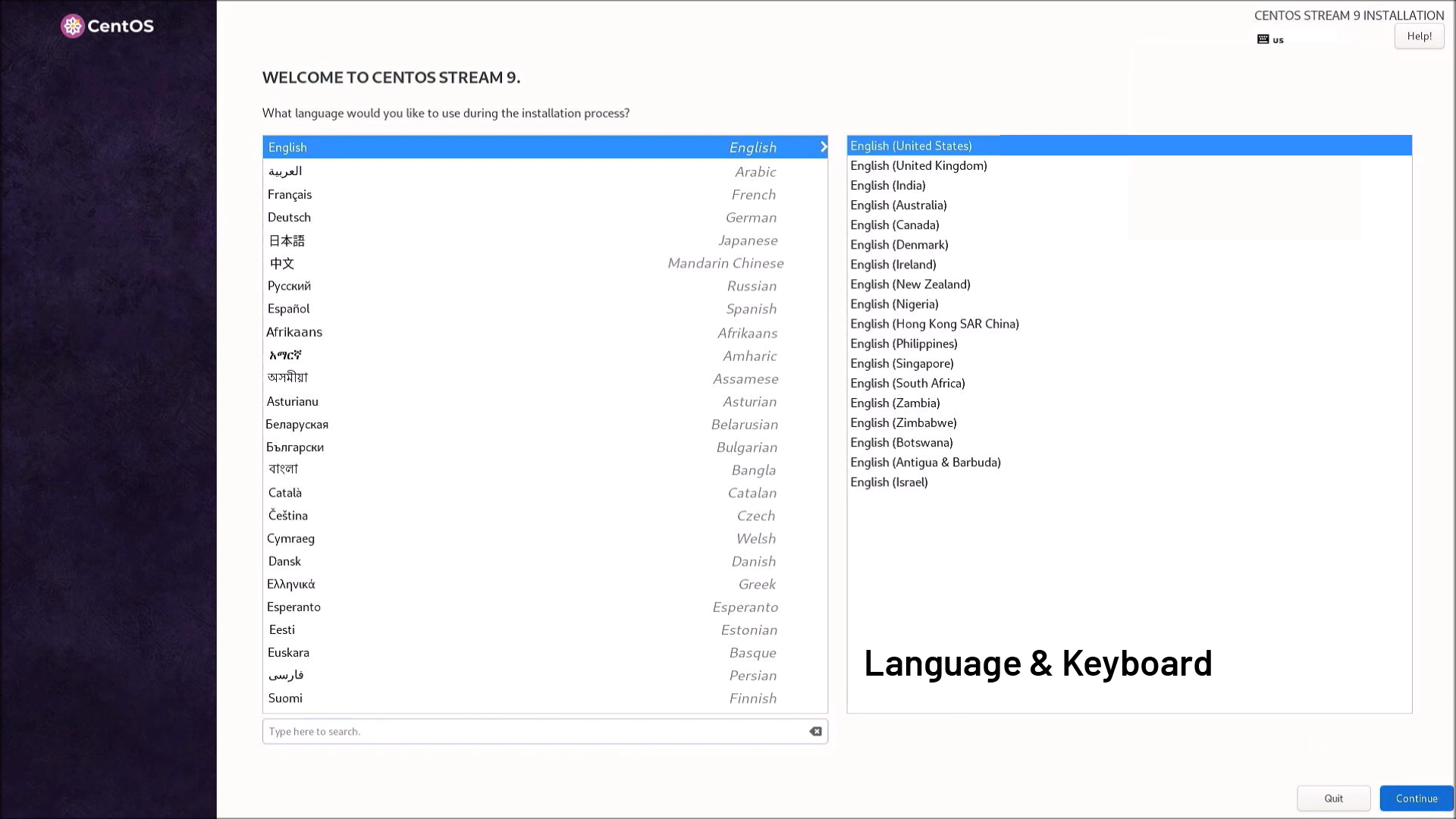
2. Installation Destination

Select SSD or target storage
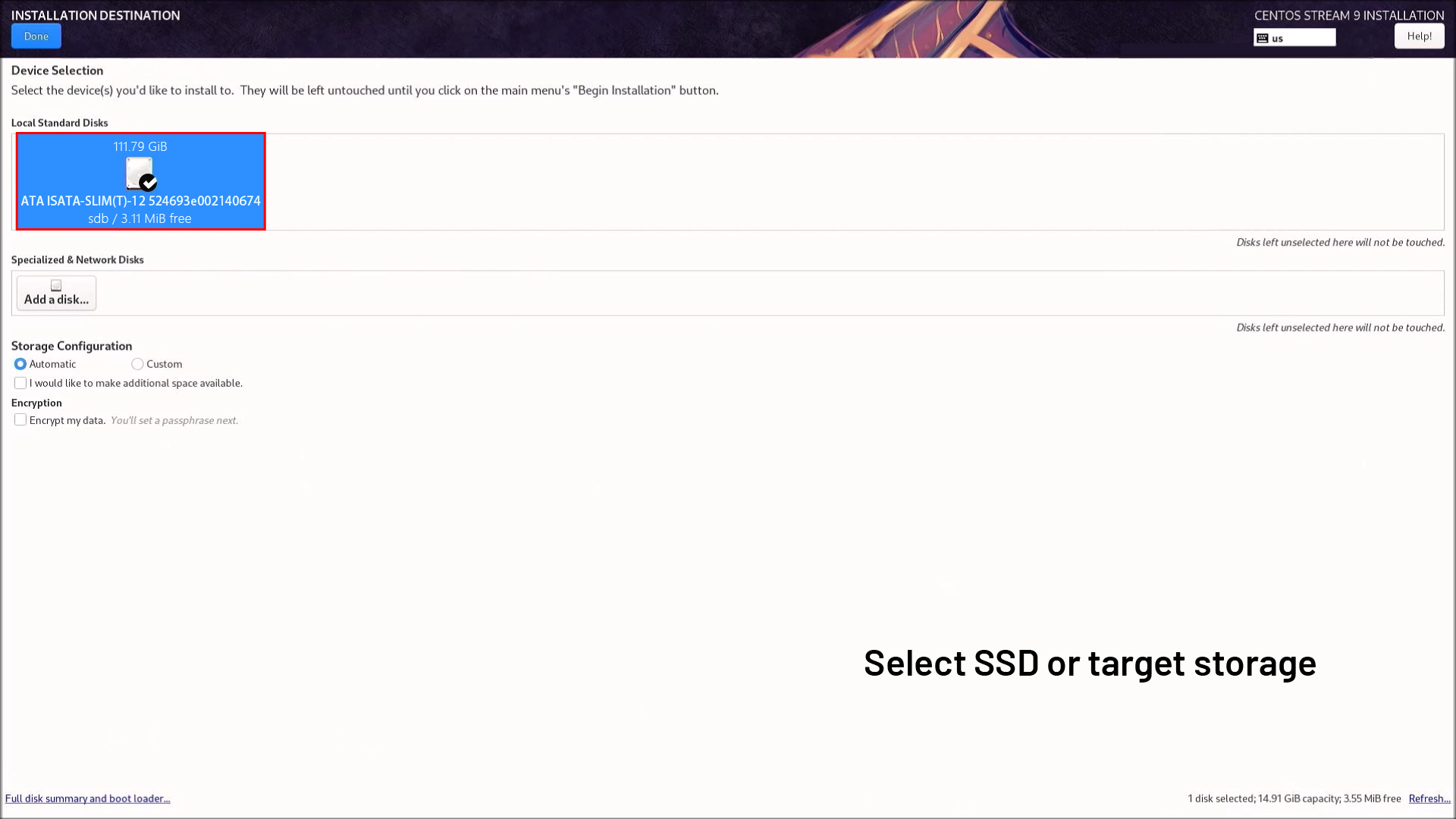
Choose automatic partitioning (recommended) or manual if you need custom layouts
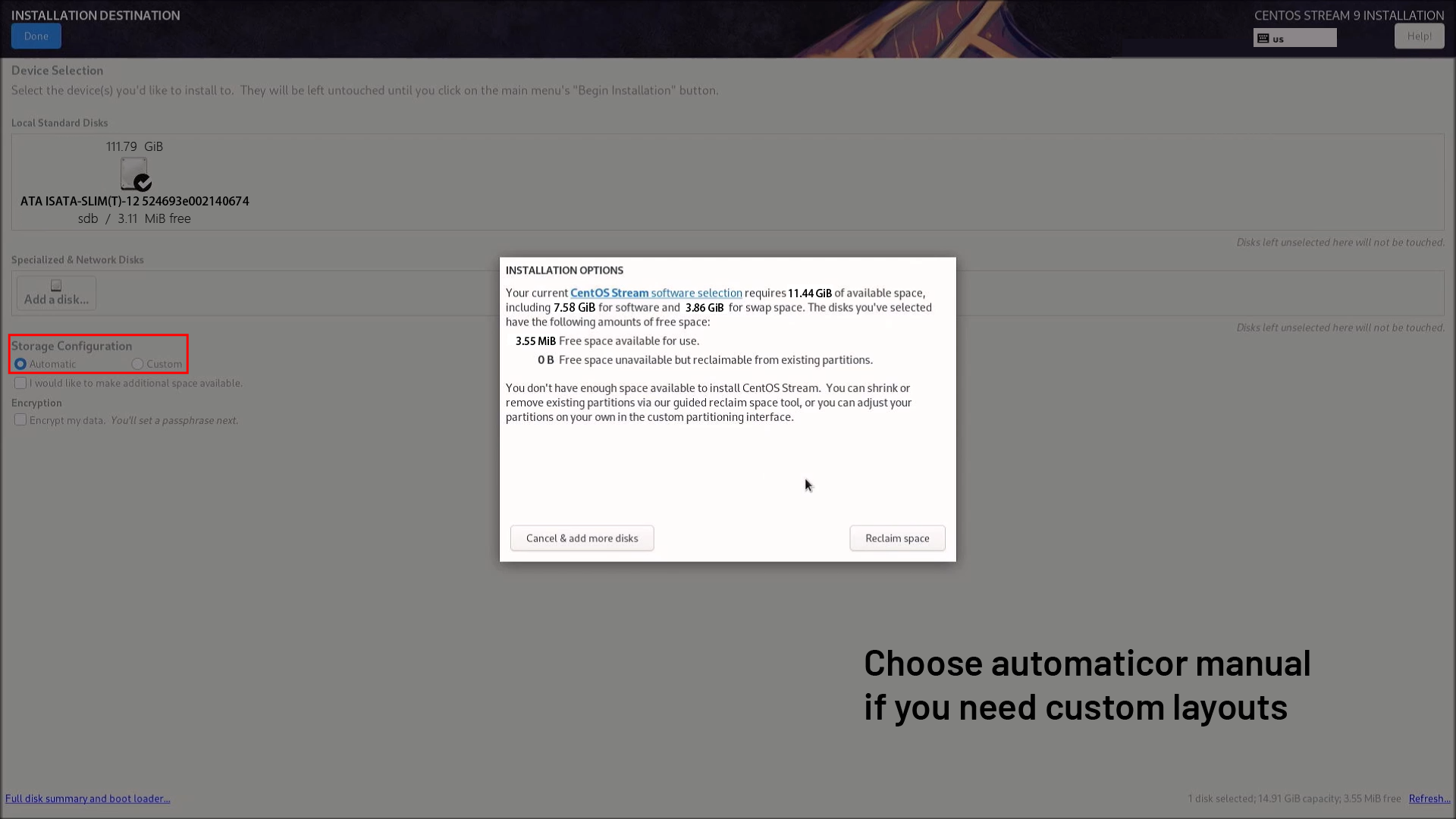
Reclaim space if it is not sufficient

3. Root Password / User Setup
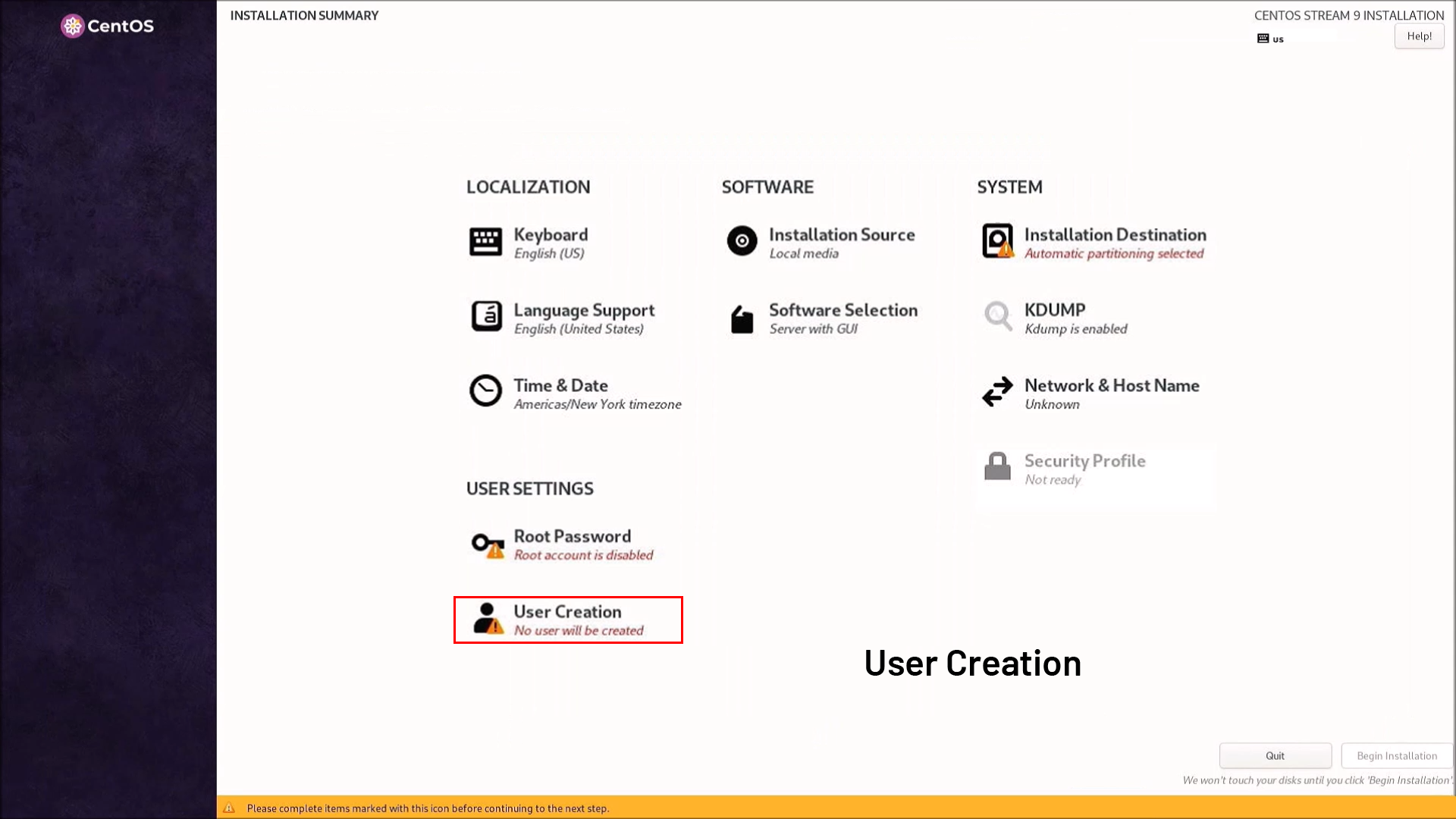
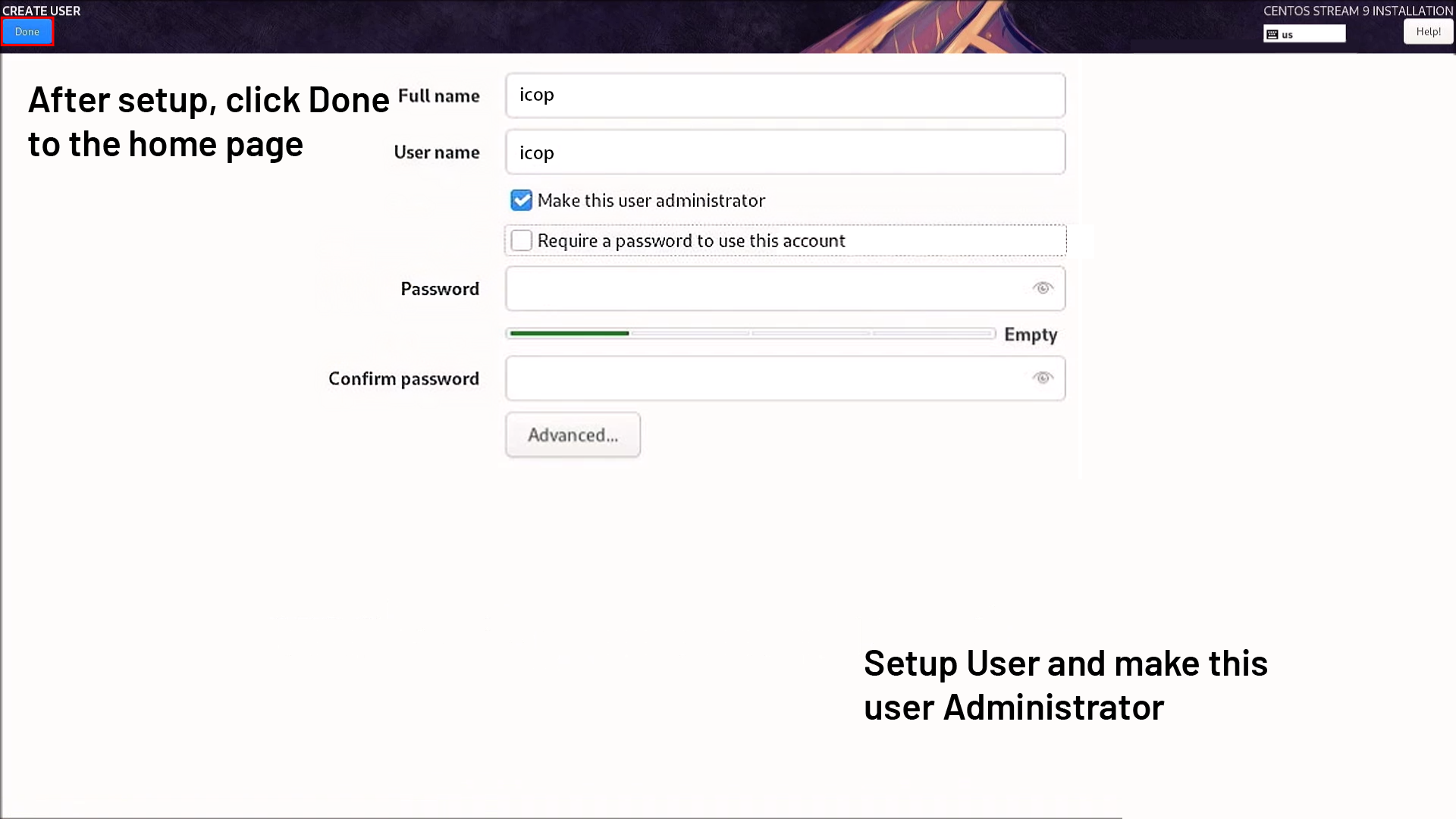
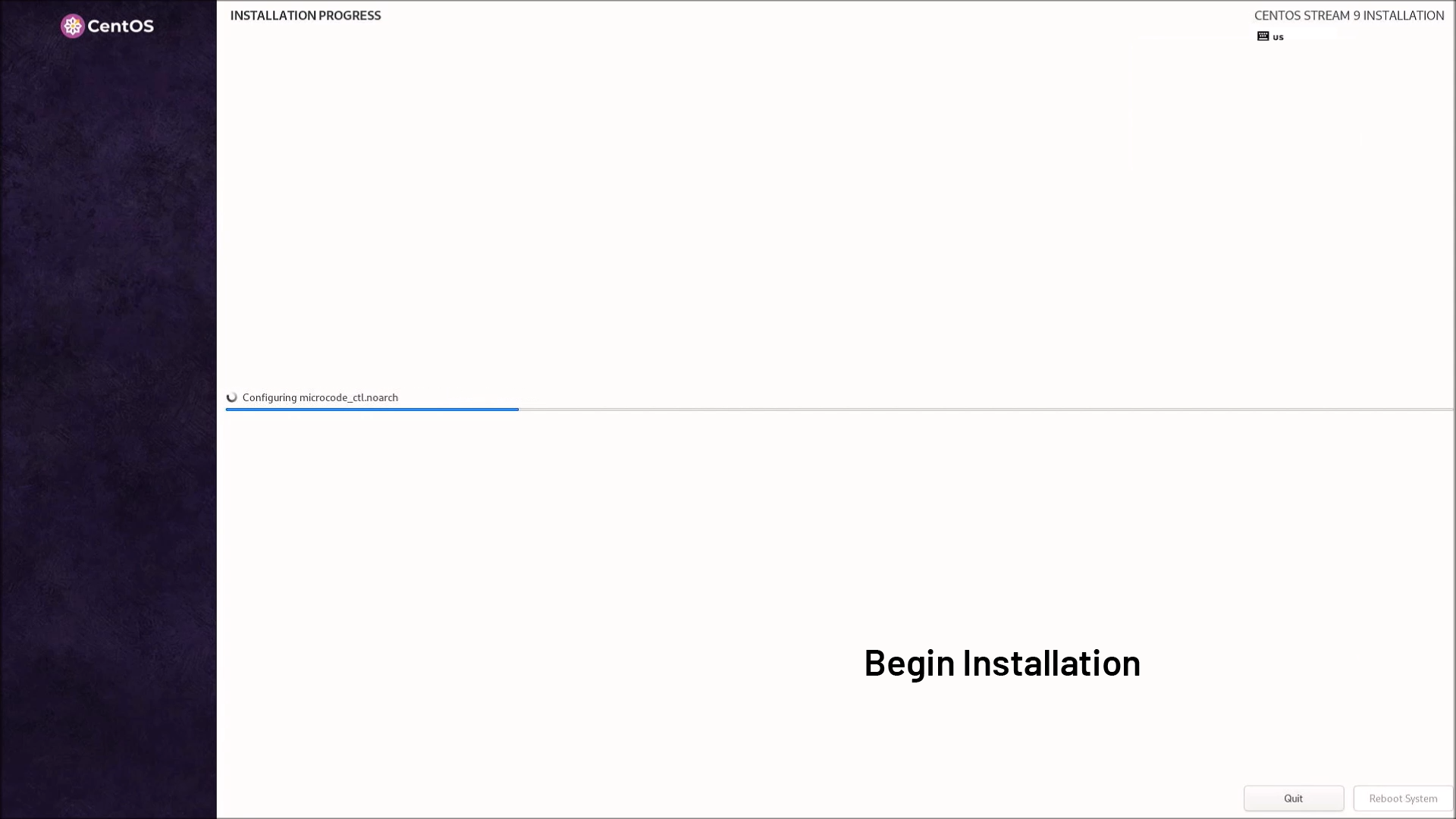
4. Begin Installation
The installer will format, install packages, and configure the system.
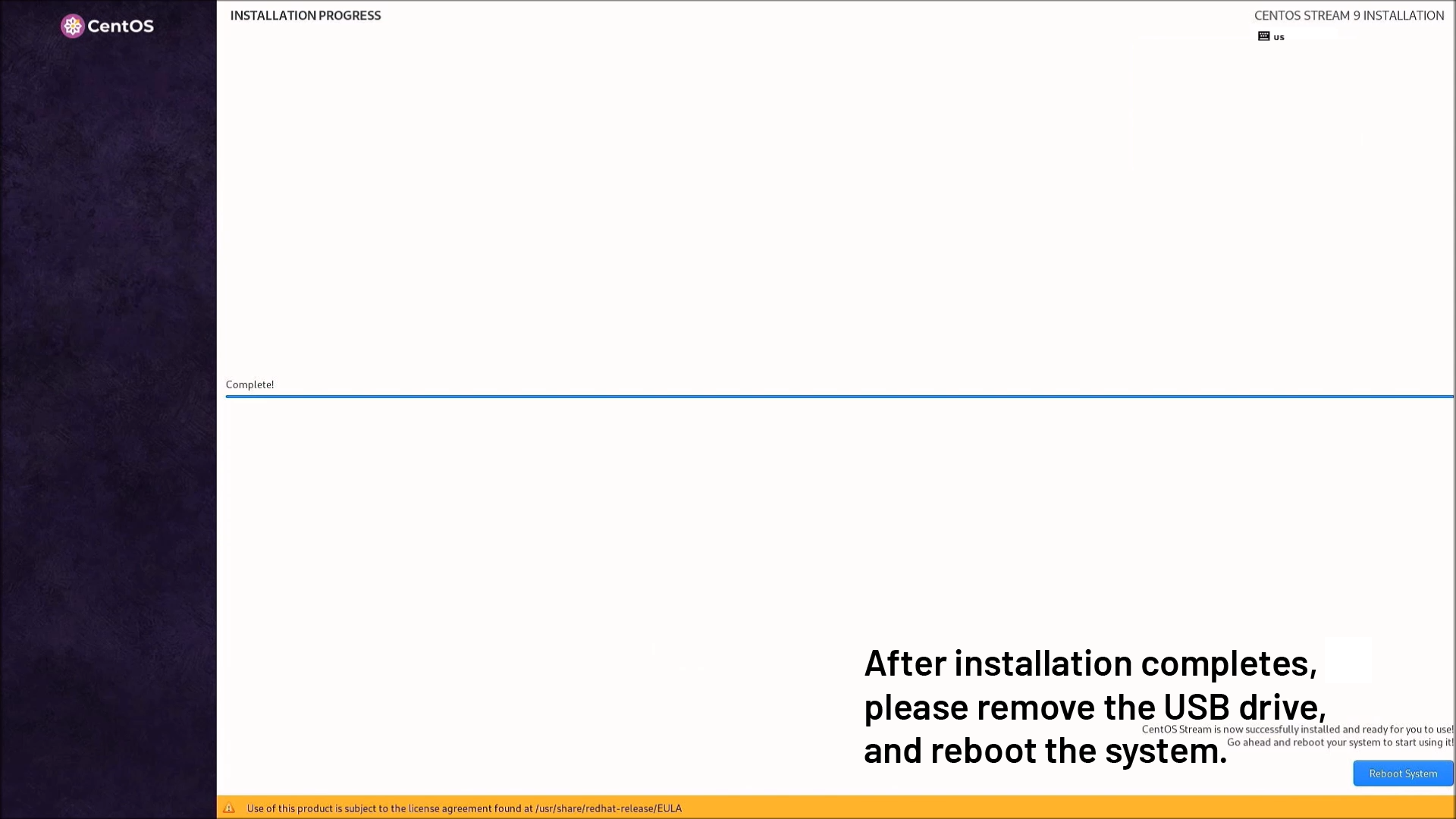
5. After installation completes, please remove the USB drive, and reboot the system.
For more info and sample request, please write to info@icop.com.tw, call your nearest ICOP Branch, or contact our Worldwide Official Distributor.